 Bisrat Shibeshi
The best free resume builder for a college student with no work experience gives you a PDF without paying and lets you put your education and projects at the top of the page. OneCV, Kickresume, Google Docs, Word for the web, Canva, Overleaf and OpenResume all let free users download a PDF. Kickresume adds a student program with up to 180 days of Premium once you verify that you're a student.
The free plans differ in where they stop. Kickresume's free plan has four basic templates, and OneCV's holds one resume. Knowing the limit before you start saves you from rebuilding your resume halfway through internship season.
The prices below are the ones each site showed in September 2026, and they can differ by country. We make OneCV, so read its entry with that in mind.
Which free resume builders are best for college students?
- OneCV is best for trying many designs on your first resume, with 28 first-job templates on the free plan.
- Kickresume is best if you can verify your student status through ISIC, ITIC or UNiDAYS.
- Google Docs or Word for the web is best for filling in the template your career center hands out.
- Canva is best for a visual resume if you study design or media.
- Overleaf is best for computer science and engineering students who are comfortable with LaTeX.
- OpenResume is best for a quick US-style resume without creating an account.
| Builder | Free PDF download | Student offer | Biggest free-plan limit | Paid plan |
|---|---|---|---|---|
| OneCV | Yes, unlimited, no watermark | None | 1 resume and 1 cover letter | Pro: $10 a month or $48 a year |
| Kickresume | Yes, unlimited | Up to 180 days of Premium | 4 basic resume templates | $19 a month or $54 a year |
| Google Docs or Word for the web | Yes | Office 365 A1 with an eligible school email | You arrange the layout yourself | None needed |
| Canva | Yes | Canva for Campus, if your university has it | Premium elements carry a watermark | Pro is US$120 a year |
| Overleaf | Yes | Student plan at $98 a year | 1 collaborator per project | Standard is $199 a year |
| OpenResume | Yes | None | Your data stays in one browser | None, it's free |
1. OneCV, best for trying many designs on your first resume
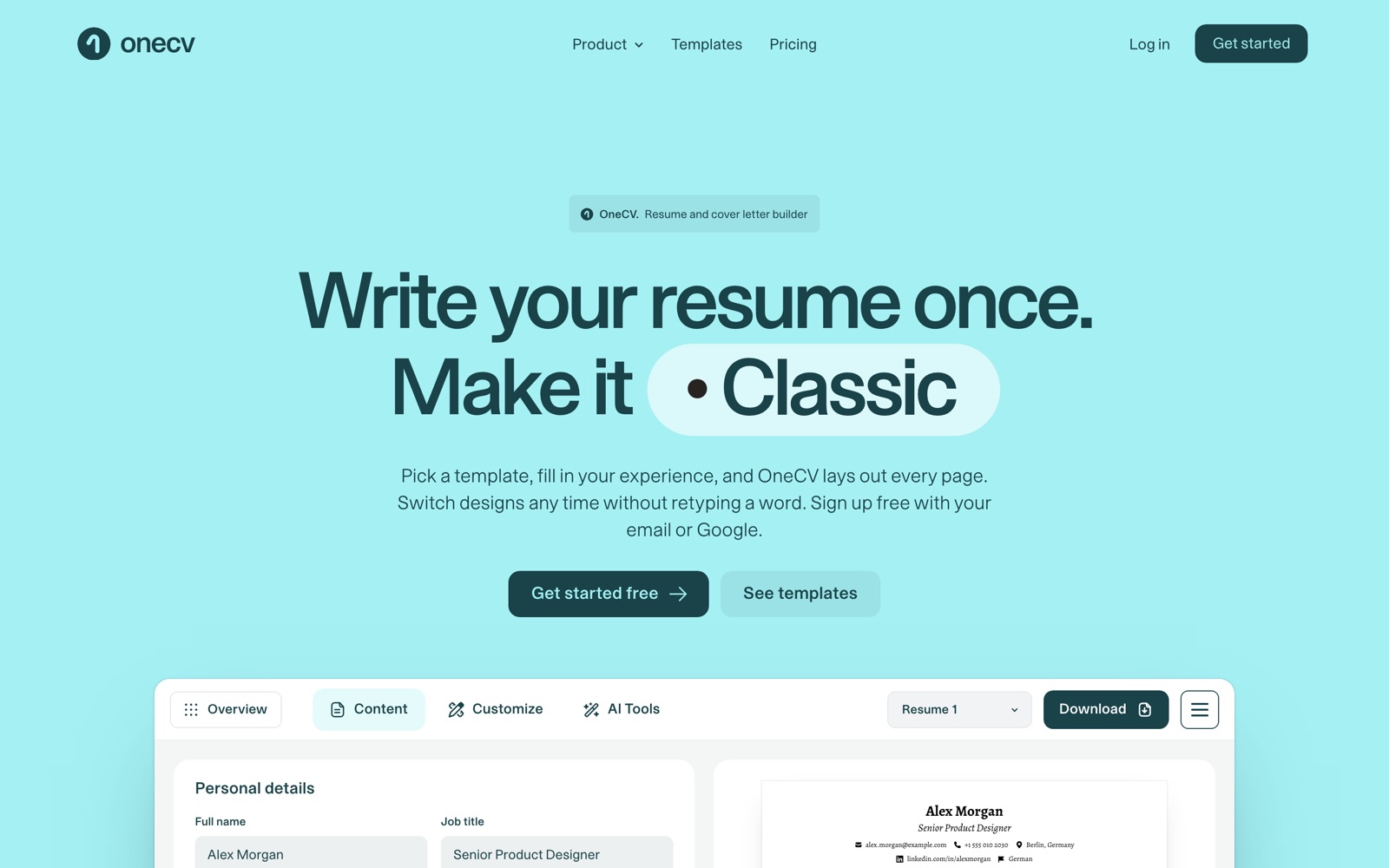
OneCV (onecv.work) is the resume builder we make. You write your details once, and OneCV lays them out in whichever of its 105 templates you pick. Your text stays in place when you switch, so you can compare a plain single-column design with a two-column one on the same content.
Of those templates, 29 are first-job designs, and all of them are on the free plan. Cobalt Edge, Leaves and Black Pattern are among them, and you can preview each one on the resume templates page.
With little work history, the order of your sections matters as much as the design. OneCV has 15 section types. You can drag Education above Experience and rename any heading, so a section can read Projects or Coursework.
Free plan
- 1 resume and 1 cover letter, with no time limit
- Unlimited PDF downloads with no watermark
- All 105 resume templates and all 70 cover letter templates
- 3 imports from a PDF with selectable text, a OneCV JSON export or pasted text
- A private link to share your resume, and the option to email the PDF to yourself
Paid plan
- Pro adds unlimited resumes, cover letters and imports, a job application tracker and 300 AI writing actions a month
- It costs $10 a month or $48 a year, and the pricing page covers the 14-day refund
Pros
- You can try a new design on the same content without copying text between files
- You can reorder and rename sections to fit a resume with more coursework than jobs
- Download saves a real PDF with selectable text, with no print step
Cons
- There's no Word export, and the importer can't read Word files or scanned images
- The free plan holds one resume, so a separate copy for each application needs Pro
- You need an account (email or Google), and OneCV's terms require you to be at least 16
- The template picker filters by simple, modern and creative, with no first-job filter yet
2. Kickresume, best if you can verify your student status
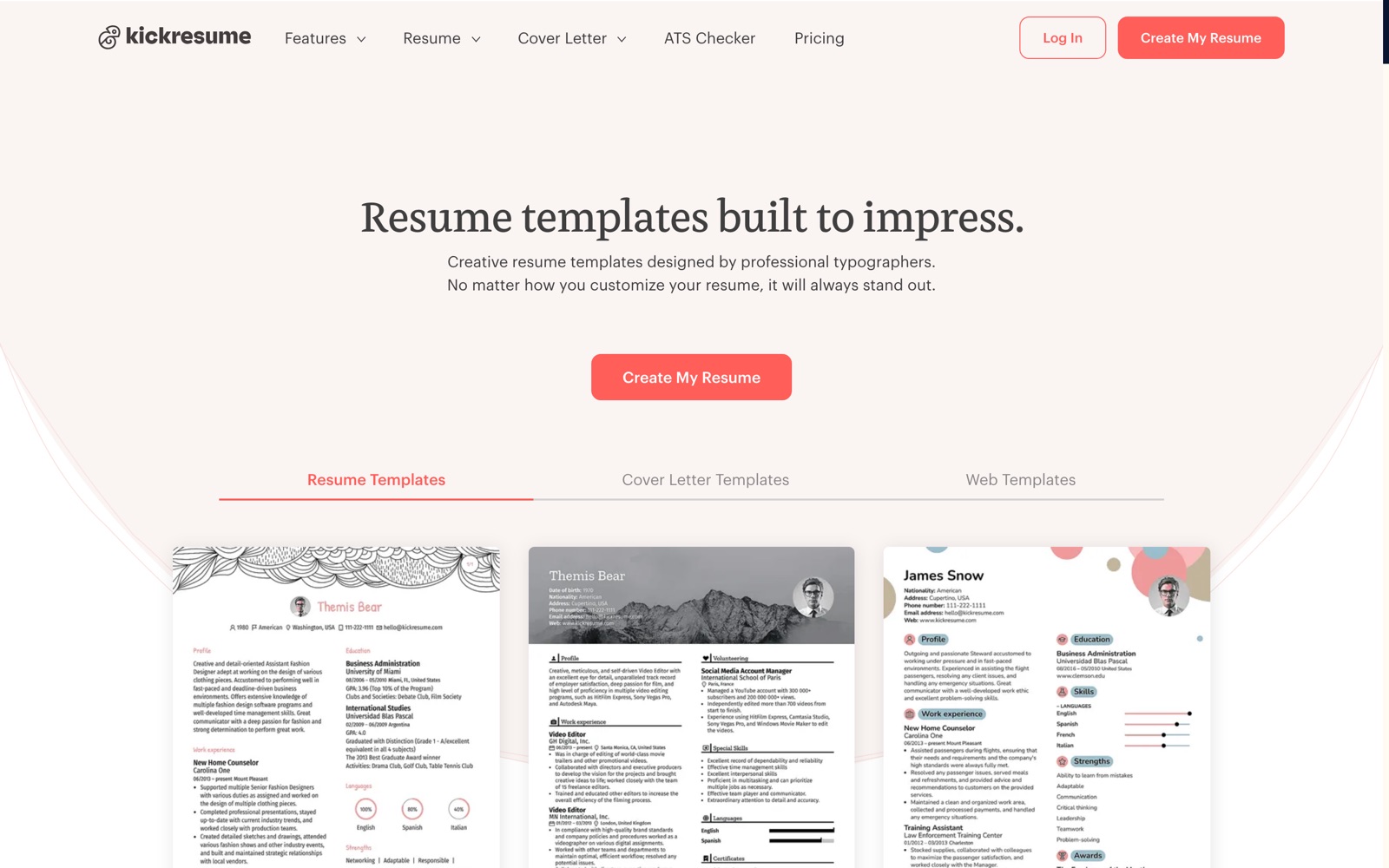
Kickresume runs a student program. Its students page says students and teachers can get up to 180 days of Premium for free by verifying their status with ISIC, ITIC or UNiDAYS. When those days run out, the account moves to the free plan and your resumes stay. The pricing page describes the student offer without mentioning a time limit, so check the length when you sign up.
Premium includes 40 resume templates, LinkedIn and PDF import, an AI writer and a resume checker. Without Premium you can still create as many resumes as you like and download each one.
Free plan
- Unlimited resumes, cover letters and downloads
- 4 basic resume templates and 4 matching cover letter templates
- 2 fonts
Paid plan
- $19 a month, $27 every three months or $54 a year
- A 14-day money-back guarantee on each plan
Pros
- A separate resume for every internship application at no cost
- Up to 180 days of the full template set if you verify your status
Cons
- Without verification you get four templates
- The free Premium period can end in the middle of a job search
3. Google Docs or Word for the web, best for your career center's template
Some career offices publish their own resume templates as Word files. Yale's Office of Career Strategy, for example, offers its resume templates as .docx downloads, including a technical resume. If your school has one, a word processor is the most direct way to use it.
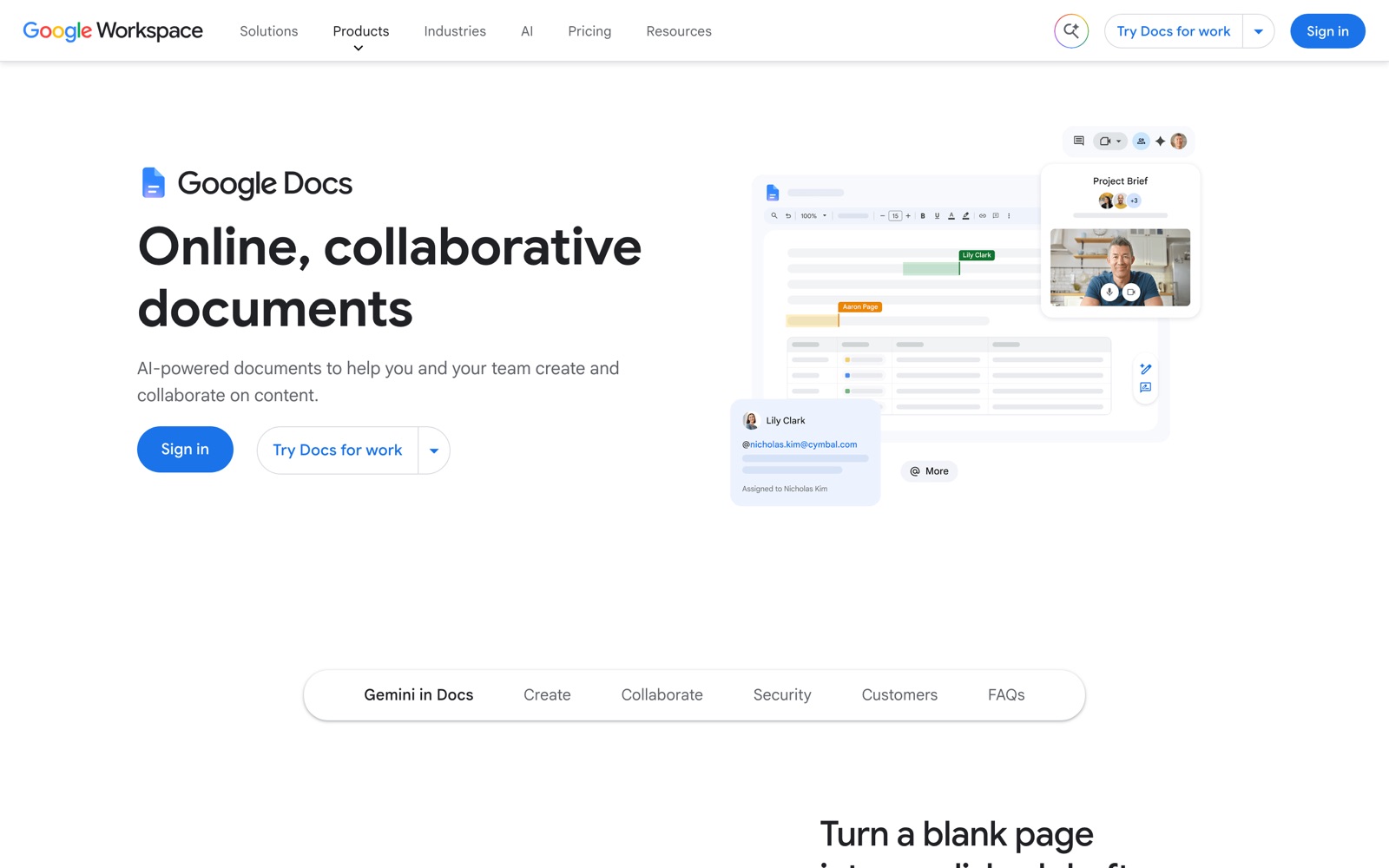
Google Docs has a template gallery that includes resumes. File, then Download, saves your document as a PDF, and File, then Make a copy, gives you a fresh version for each application. Word for the web is free with a Microsoft account, has its own resume templates and saves resumes as PDFs. Students with an eligible school email address can get Office 365 A1 from Microsoft for free.
Free plan
- Resume templates and PDF downloads
- A .docx file when an employer asks for Word
- As many copies as you want
You don't need a paid plan for a resume.
Pros
- No new account if your school already runs Google or Microsoft
- You can share the file with a career advisor and see their edits as they make them
Cons
- You manage spacing and page breaks yourself
- A new design means moving your text into a new template by hand
4. Canva, best for a visual resume in a creative field
Canva's college resume gallery lists 292 templates, including internship and high school designs. You can export a resume as a PDF, JPEG or PNG, or send an employer a view-only link.
The watermark comes from premium content. Canva's help center says premium elements carry a watermark for Canva Free users, and the editor marks paid elements with a crown icon. Build your resume from elements without the crown and the download stays clean.
University and college students start on Canva Free. Canva says some universities give students Pro features through Canva for Campus, so ask your school before you pay.
Keep the layout calmer than the template suggests. In Ladders' eye-tracking study, recruiters spent an average of 7.4 seconds on a resume's first screening, and the worst-performing resumes had cluttered layouts with multiple columns and little white space.
Free plan
- College resume templates with PDF, JPEG or PNG export
- 5GB of cloud storage
Paid plan
- Canva Pro costs US$120 a year for one person
Pros
- Full control over colors and layout
- A view-only link you can send with an application
Cons
- One premium element adds a watermark to the download
- Decorative multi-column designs are harder for a recruiter to skim
5. Overleaf, best for computer science and engineering students who know LaTeX
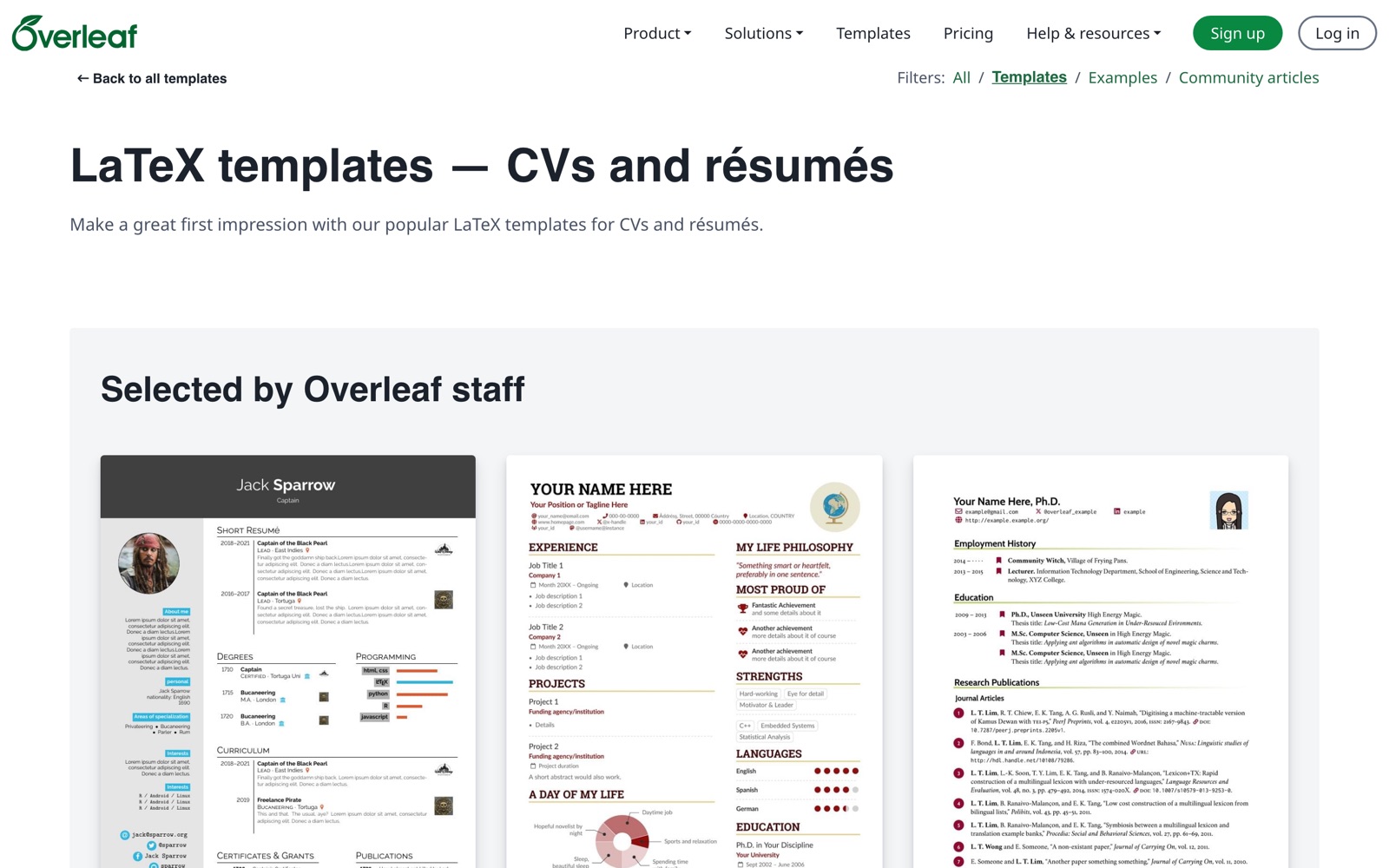
Overleaf is an online LaTeX editor. Its template gallery includes Jake's Resume, a simple resume template by Jake Gutierrez released under the MIT License and set up for US Letter paper at 11 point. You open it as a template, replace the sample text and compile it into a PDF.
The free plan is enough to write and compile a resume. It gives you one collaborator per project, so you can invite a friend or advisor to edit with you, and a basic compile timeout.
Free plan
- The editor and the template gallery
- 1 collaborator per project
- A basic compile timeout
Paid plan
- The student plan is $98 a year or $13 a month
- Standard costs $199 a year
Pros
- Precise control over spacing and type
- You can bring in a reviewer without paying for a plan
Cons
- You edit LaTeX code, so a missing bracket stops the PDF from compiling
- A new design means editing the code or starting again from another template
6. OpenResume, best for building without an account
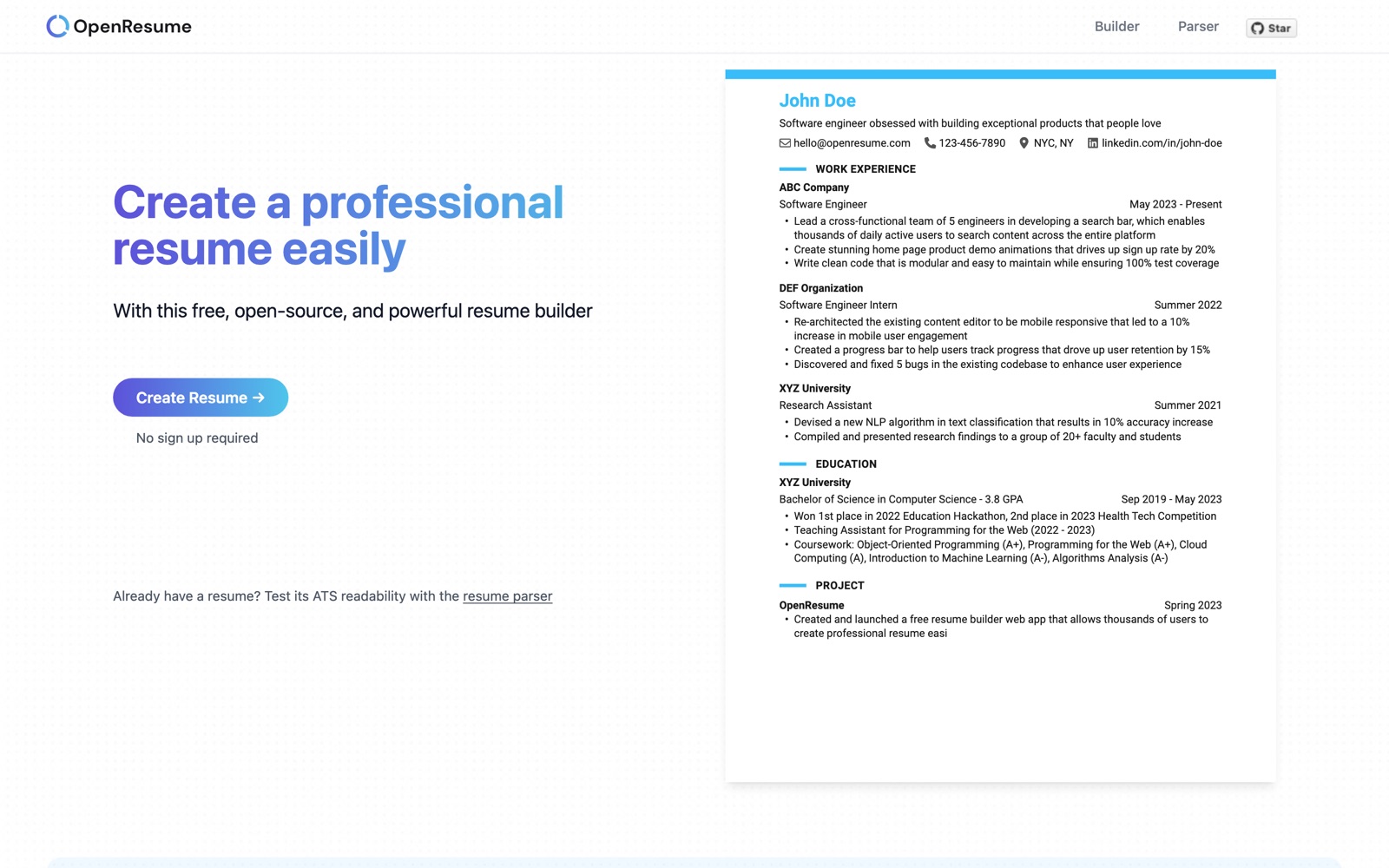
OpenResume is a free, open-source builder that needs no sign-up. It stores your data locally in your browser, so only you have access to it. You can start from scratch or add an existing resume PDF, then preview the design and download the new version. Its site says the builder follows best practices for the US job market, and it includes a parser you can use to check how readable an existing PDF is.
Free plan
- Every feature, with no account
- PDF download
There's no paid plan.
Pros
- There's no account to delete later
- The parser gives you a quick check on an old resume before you rebuild it
Cons
- Your resume lives in one browser, so clearing its data or moving to another computer loses it
Which builders limit what students can download?
VisualCV's free account lets you try every template and keep one resume at a time. Its pricing page lists unlimited PDF downloads, the cover letter builder and shareable links under Pro, which costs $16 a month billed quarterly and comes with a 30-day refund. Download a test PDF on the free account before you build your whole resume there.
Some well-known builders let you build a resume for free and then give free users only a plain text file. Our guide to free resume builders with no watermark compares their trial and renewal prices.
How do you choose a free resume builder as a student?
1) Can you put education and projects first?
With little work history, your degree and your projects carry the top of the page. OneCV lets you drag Education above Experience and rename headings. In Google Docs, Word and Canva you move blocks by hand, and in Overleaf you change the order in the code.
2) How many applications will you send?
Tailoring your resume means a copy for each job, as we explain in how to tailor your resume to a job description. Kickresume's free plan and Google Docs allow as many resumes as you like. OneCV's free plan holds one, so you edit it between applications and save a PDF each time.
3) Do you want an account at all?
OpenResume needs no sign-up, and Reactive Resume, another open-source builder, says basic use needs no account. OneCV, Kickresume, Canva and Overleaf all ask you to sign up, and Google Docs and Word need a Google or Microsoft account, which your school may already give you.
4) What happens when a free period ends?
Kickresume's student Premium lasts up to 180 days, and after that the account drops back to four templates. OneCV's free plan has no time limit, and Google Docs and Word for the web cost nothing with an account you already have.
If you want to try several designs on your first resume, create a free OneCV account and download as many PDFs as you need.
Frequently asked questions
What is the best free resume builder for college students with no work experience?
For trying many designs on one resume, OneCV has 28 first-job templates on its free plan. If you can verify your student status, Kickresume gives you up to 180 days of Premium. If your career center hands out a Word template, Google Docs or Word for the web is the simplest route.
Do resume builders give students free Premium?
Some do. Kickresume gives students up to 180 days of Premium through ISIC, ITIC or UNiDAYS. Canva says some universities give students Pro features through Canva for Campus, and Microsoft gives Office 365 A1 free to students with an eligible school email. OneCV has no student offer.
Can you make a good resume with no work experience?
Yes. Lead with your education, then add projects, coursework, volunteering and campus roles under clear headings. Pick a builder that lets you reorder sections, so Education can sit above Experience.
Is Canva good for student resumes?
It works well if you stay with free elements. Canva's help center says premium elements carry a watermark for Free users, and the editor marks them with a crown. Keep the design simple too. Ladders found that cluttered, multi-column resumes performed worst with recruiters.
Can high school students use these builders?
Check each builder's age rule first. OneCV requires you to be at least 16, and if you're under the age of majority where you live, a parent or guardian has to agree to its terms with you. Canva runs Canva Education for primary and secondary students, and your teacher has to invite you.
Should a student send a PDF or a Word resume?
Send a PDF by default, and switch to Word only when the job posting or application portal asks for it. A PDF looks the same on every screen. Google Docs and Word for the web save a .docx file, and Reactive Resume lists DOCX among its export formats. OneCV has no Word export.
Can I import my old resume or LinkedIn profile?
OneCV's importer reads a PDF with selectable text, a OneCV JSON export or pasted text, with 3 imports on the free plan. It can't read Word files or scans, and there's no LinkedIn import. Kickresume lists LinkedIn and PDF import as Premium features, and OpenResume lets you start from an existing resume PDF.
Is OneCV free for students?
Yes. Students get the same Free plan as everyone else, with no time limit, one resume, one cover letter and unlimited PDF downloads with no watermark. Pro adds unlimited resumes, the job tracker and AI writing help for $10 a month or $48 a year.