OneCV.Resume templates
Resume templates with a picture
42 free resume and CV designs with a place for your photo in the header. Add a picture and choose its shape and size, or leave it out and nothing shows in its place. Every design downloads as a PDF with no watermark.
No card needed. Every template is on the Free plan, with unlimited PDF downloads and no watermark.
Mercury Flow
Saffron Line
Steady Form
Quicksilver
Cobalt Edge
Refined
Classic Portrait
Atlantic Horizon
Neon Green
Atlantic Crest
Leaves
Even Line
Designer
Happy
Confident Grid
Pure Baseline
Slate Focus
Olive Ash
Blue Steel
Mercury Panel
Minty
Cyan Grey
Desert Rock
Azure Line
Space
Grey Goose
Blue Classic
Ultra Violet
Blue Neon
Evergreen Slate
Powder Blush
Pastel
Steel Grey
Viola
Sea Pearl
Swimming Pool
Warrior Red
Accentuated Red
Green Frame
Gold
Violetta
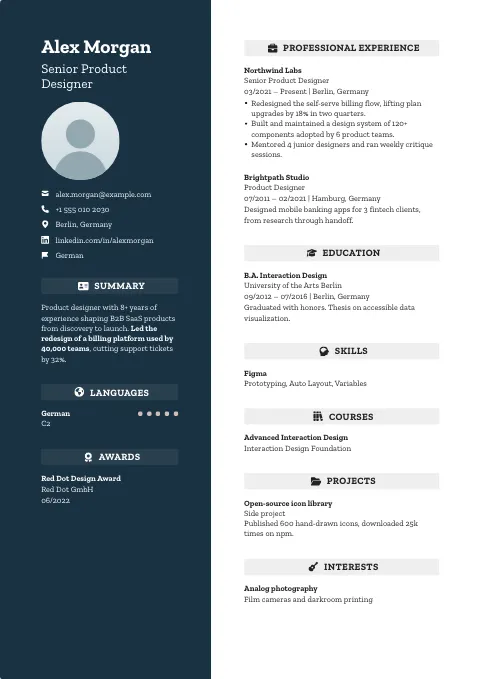
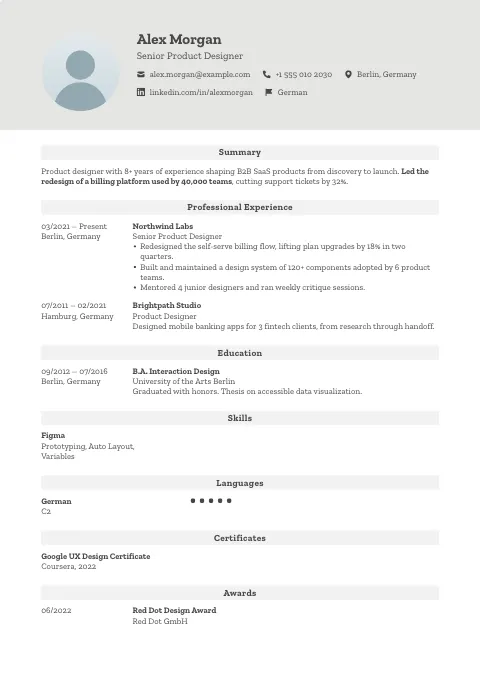
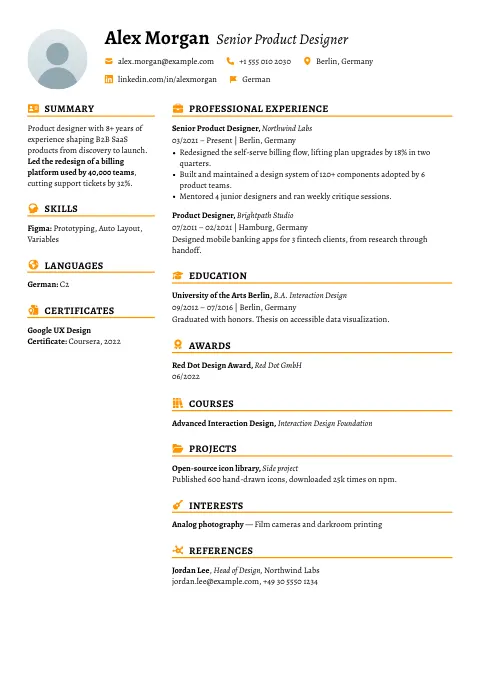
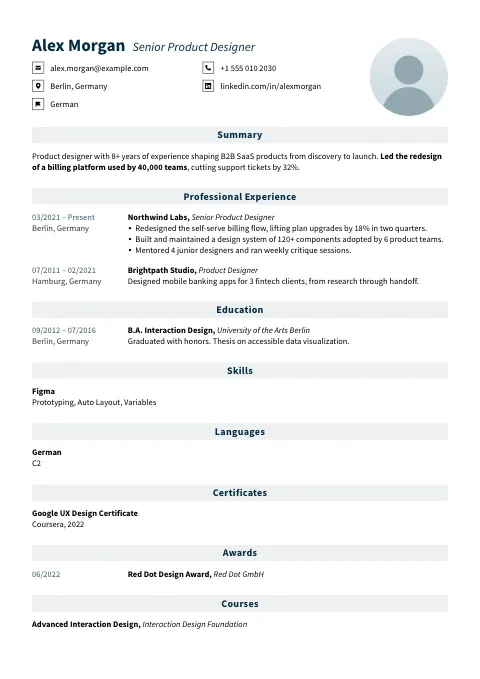
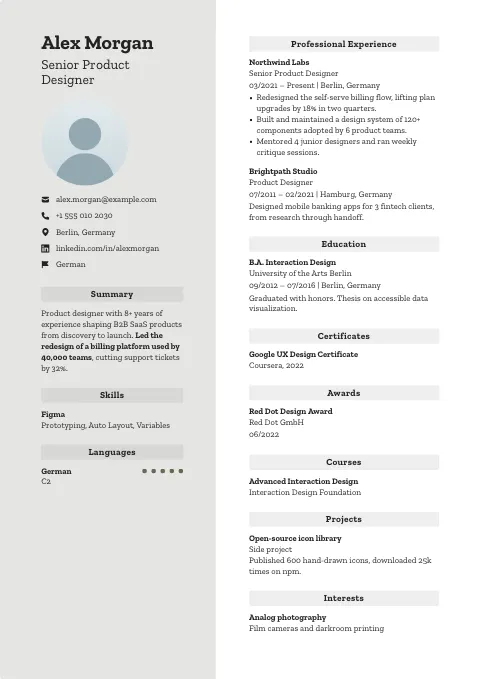
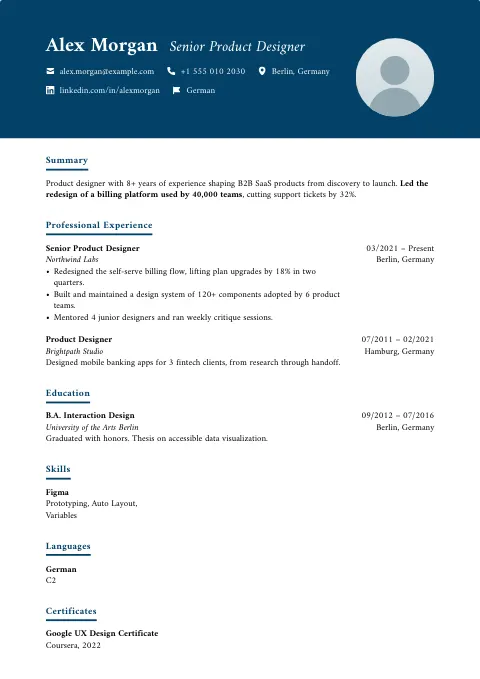
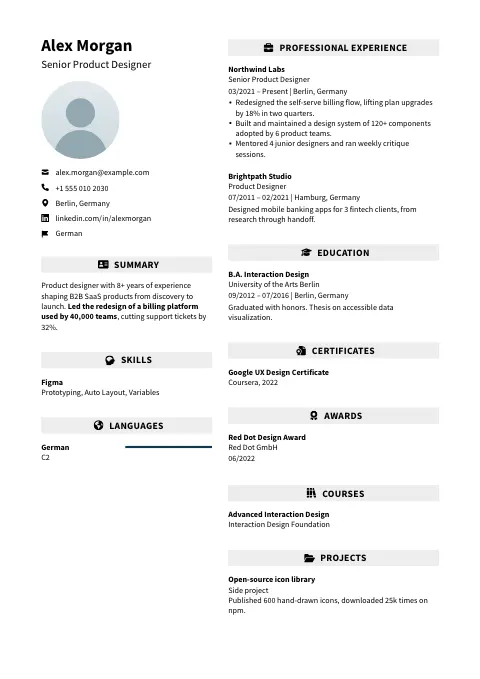
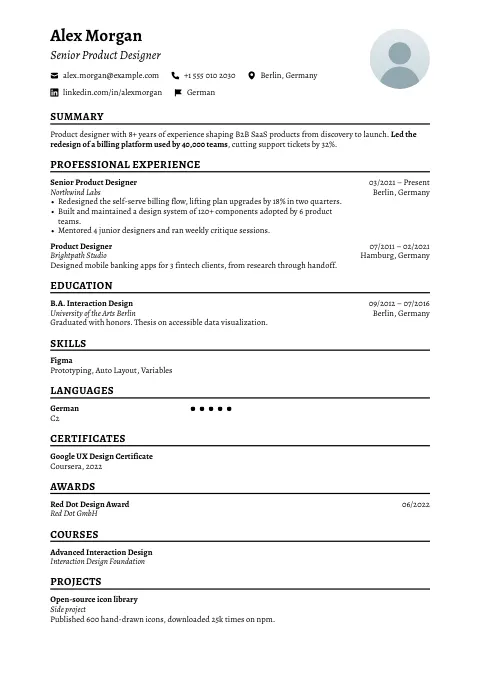
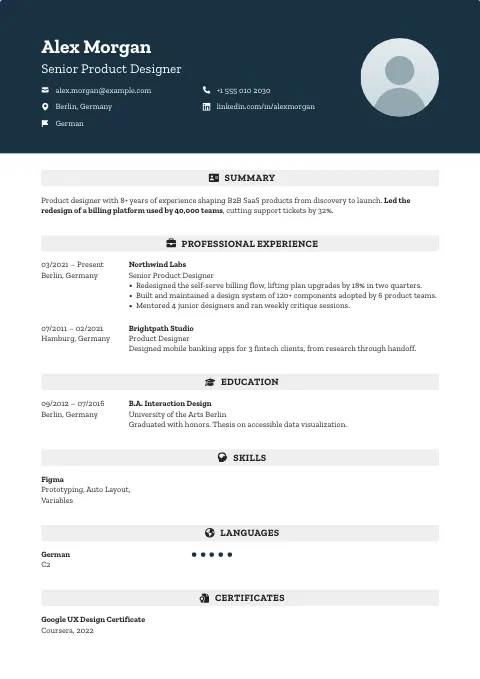
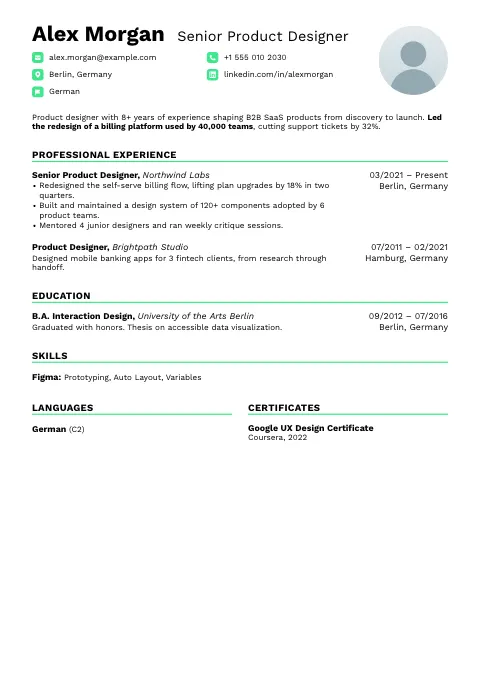
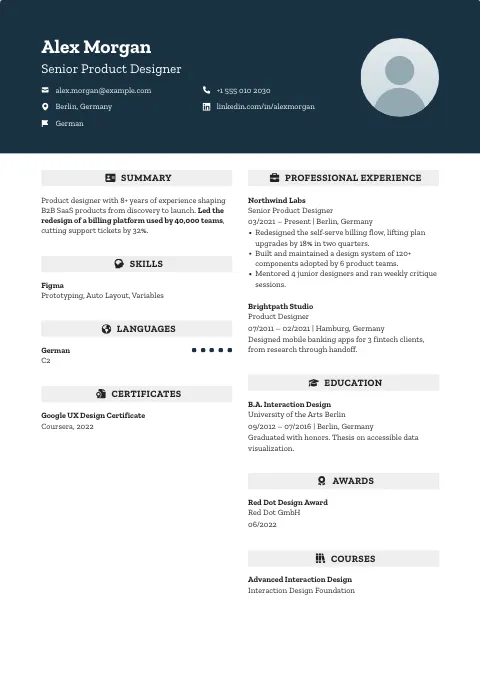
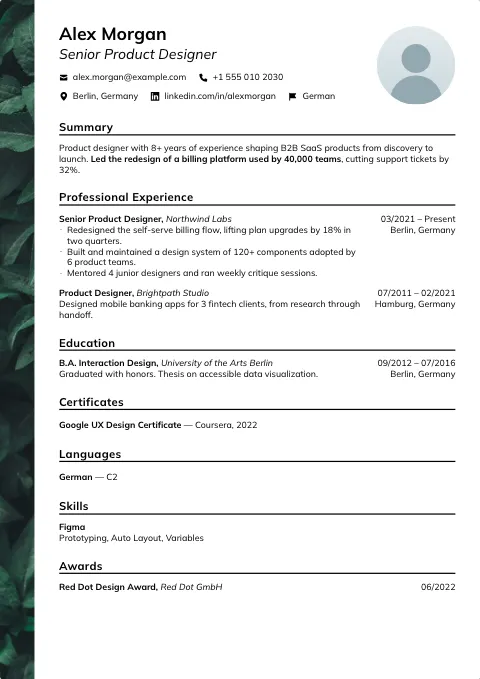
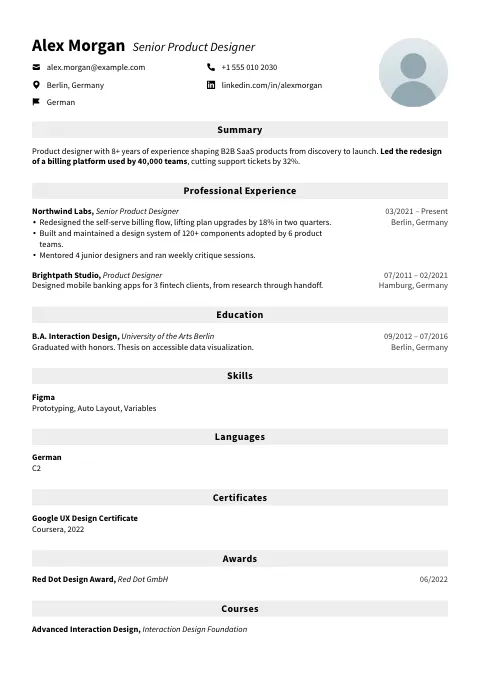
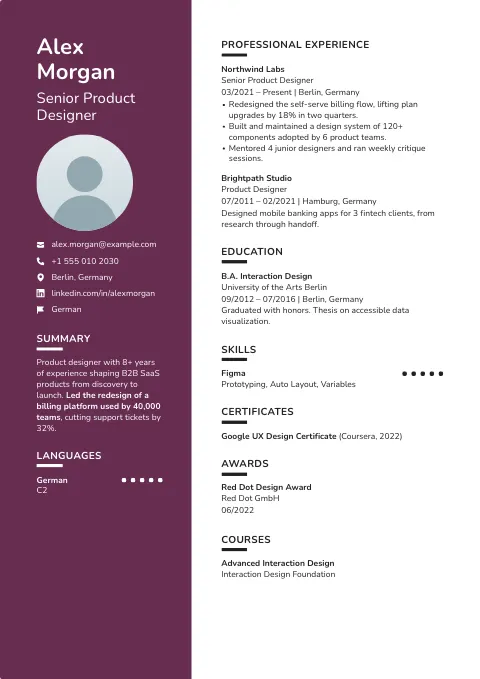
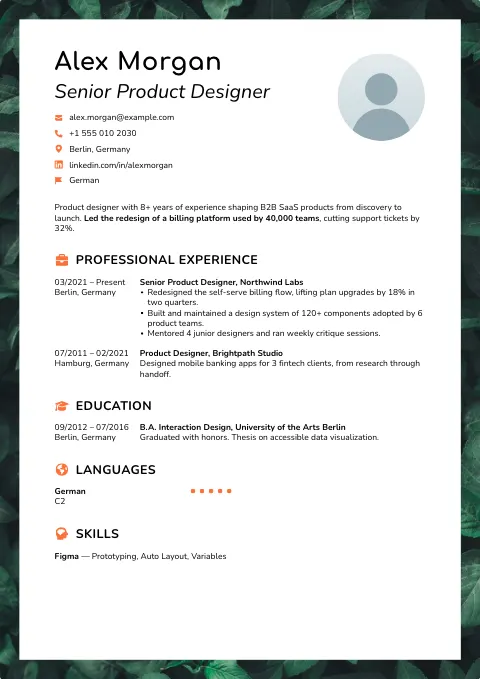
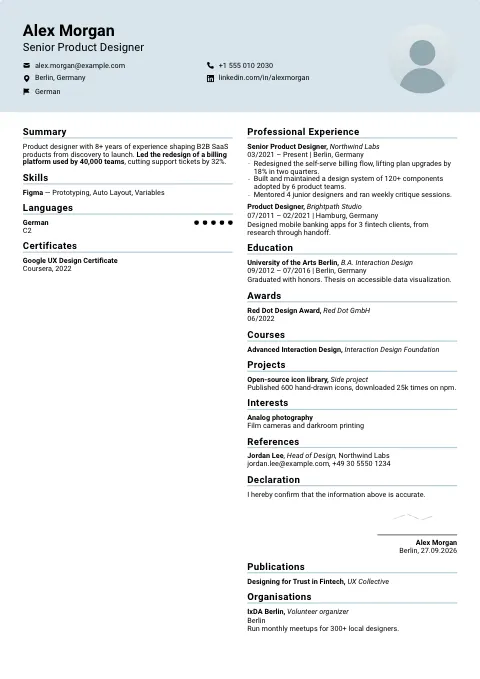
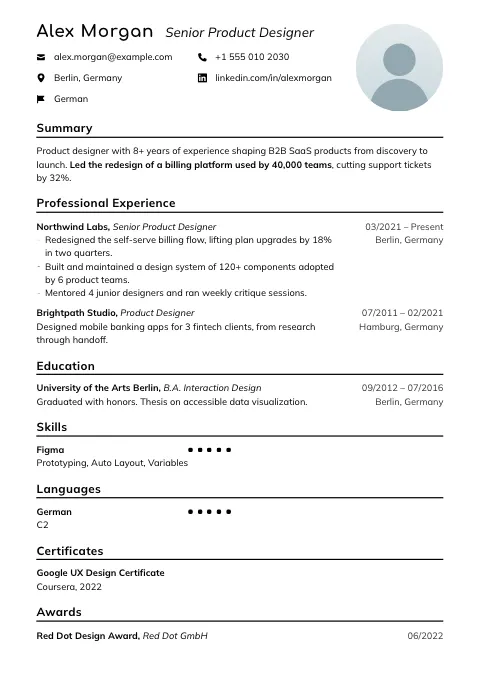
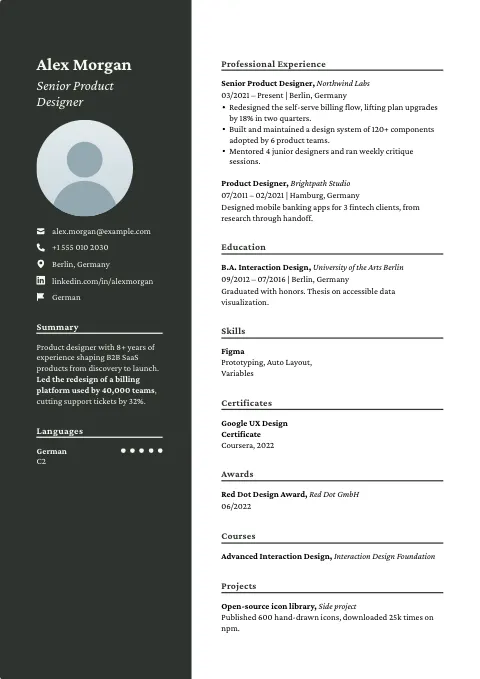
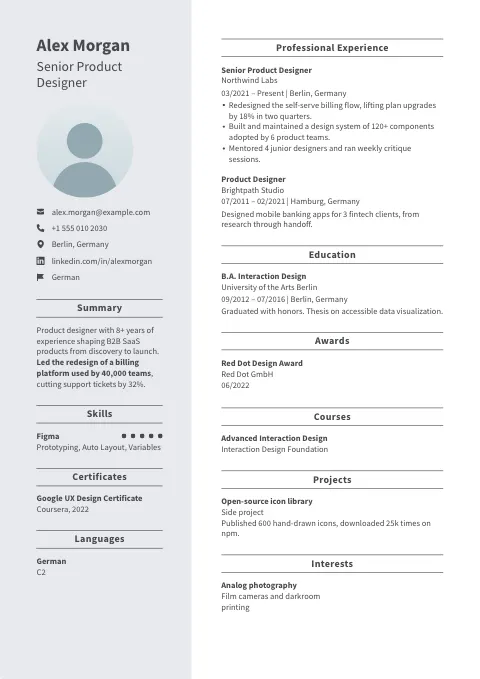
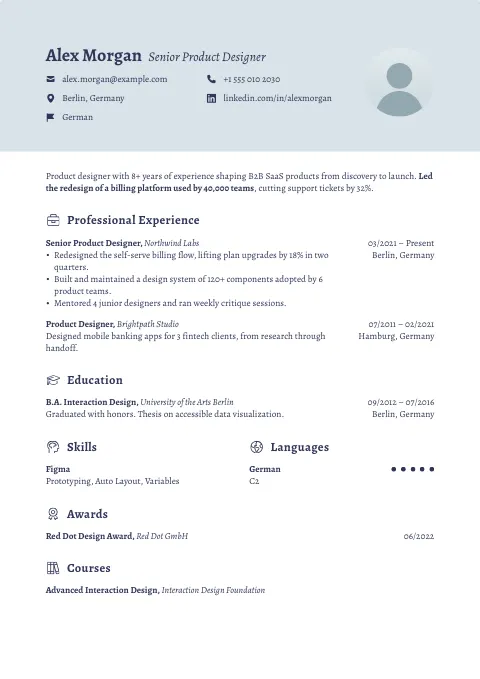
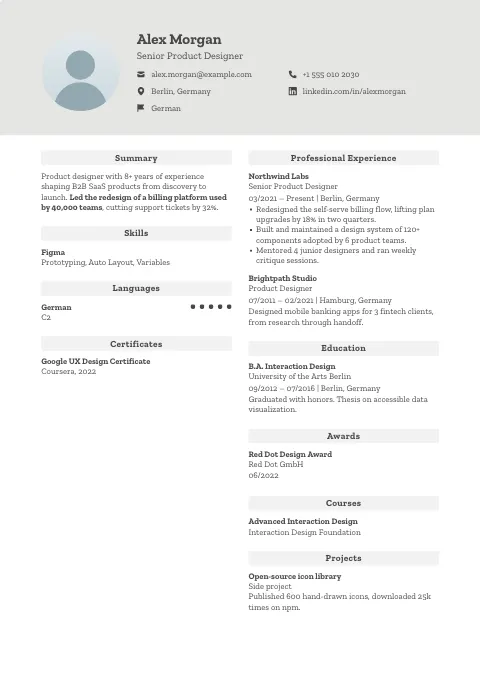
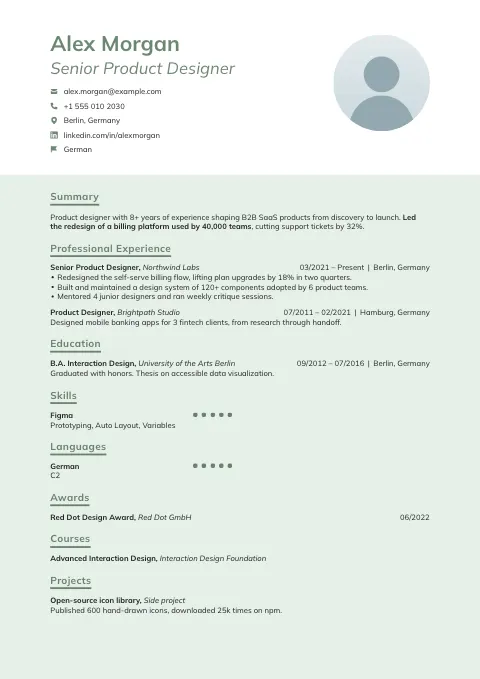
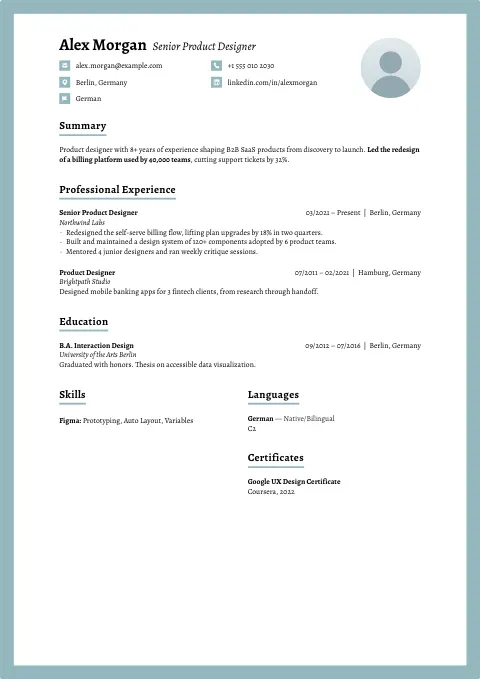
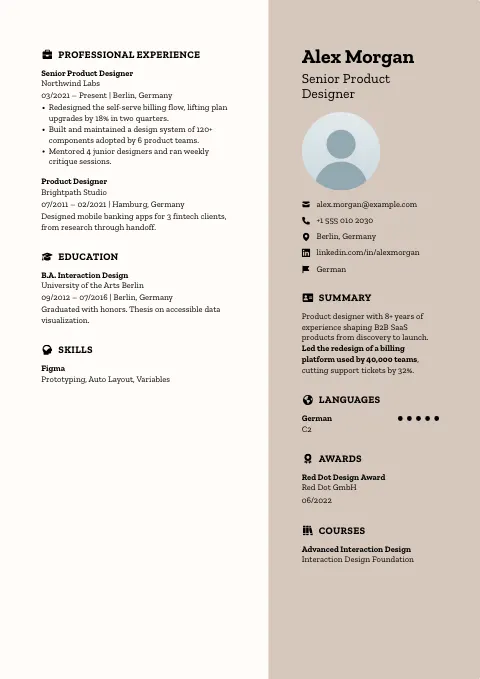
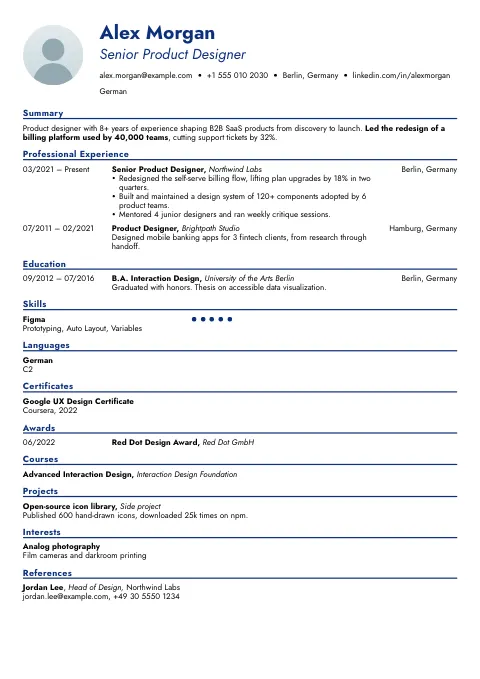
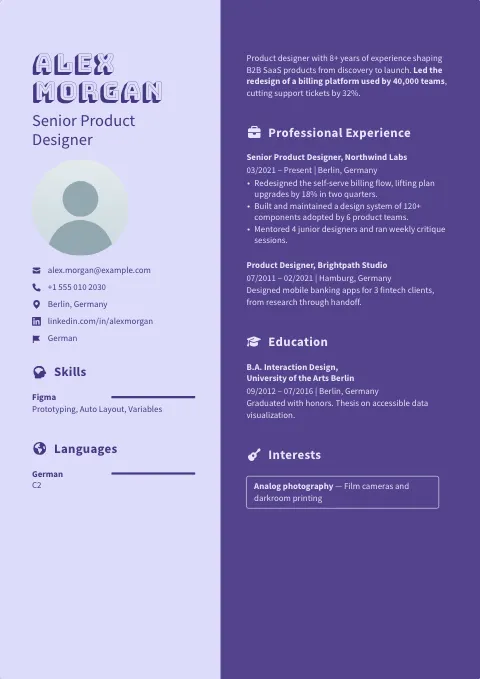
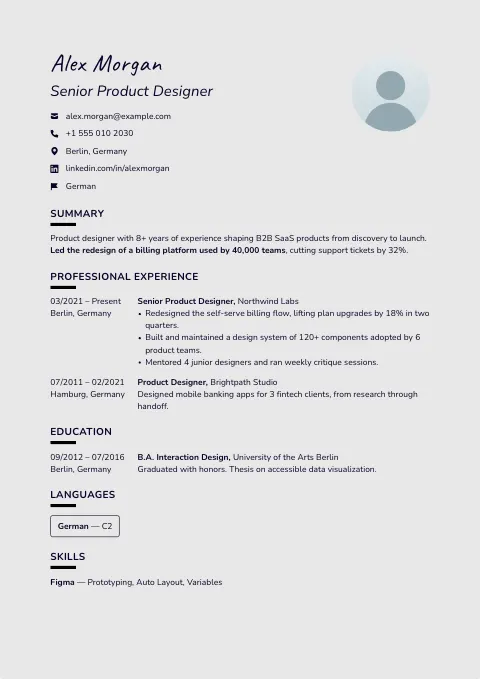
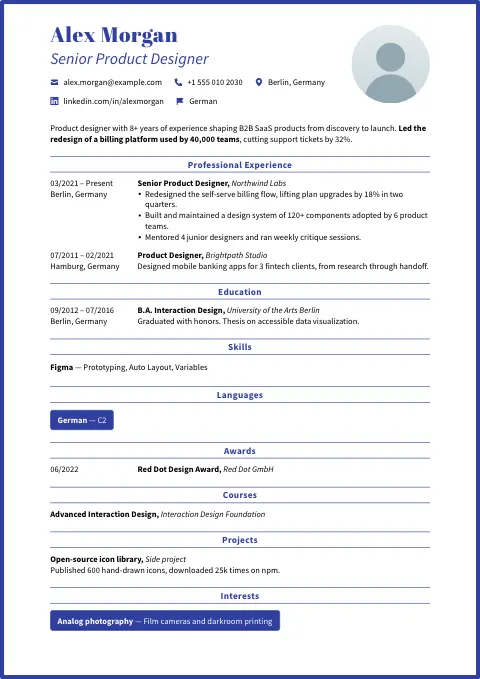
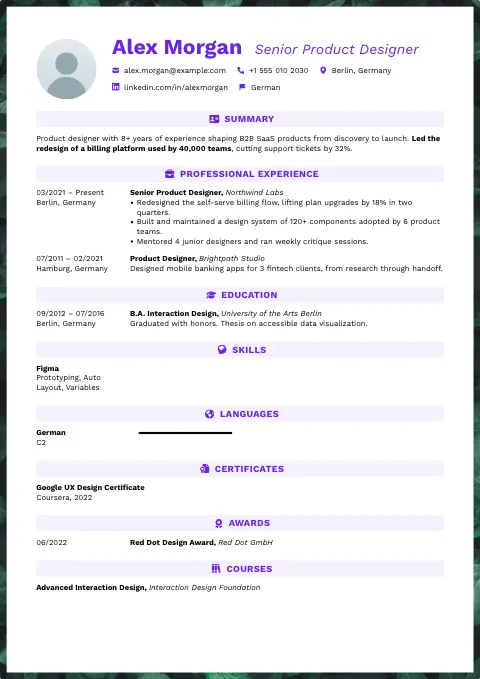
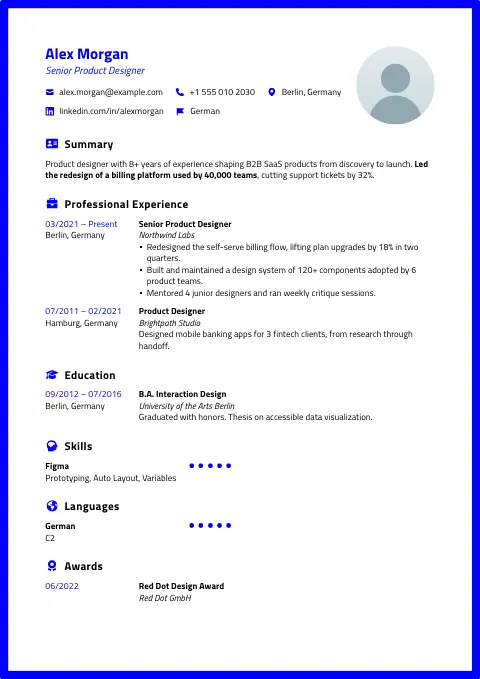
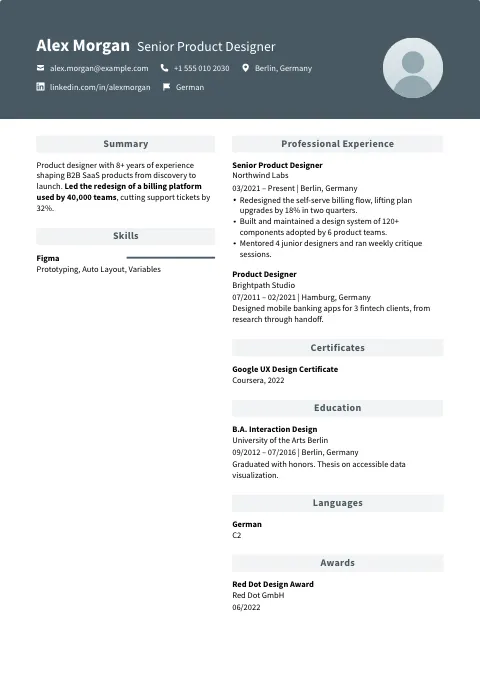
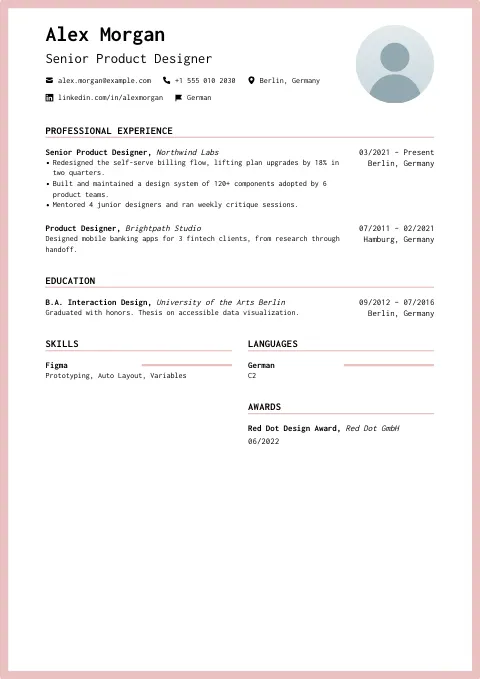
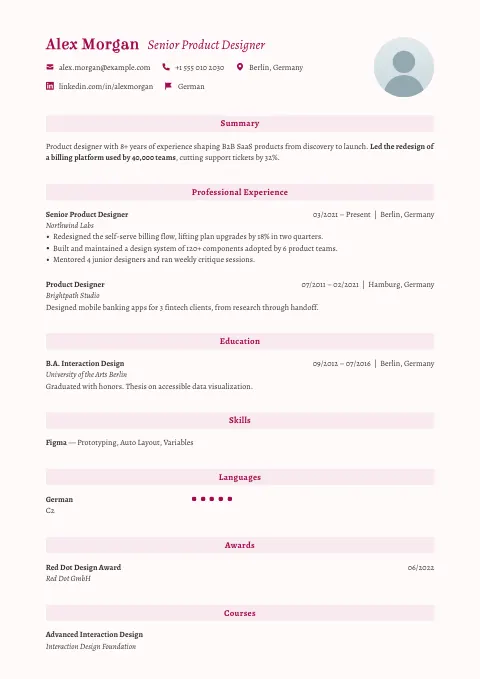
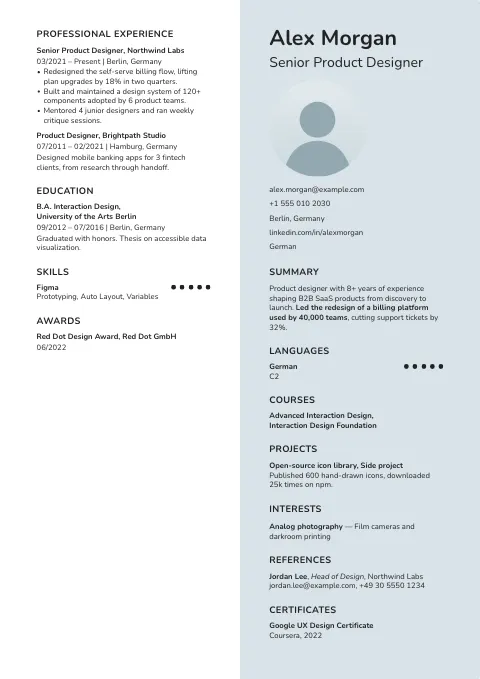
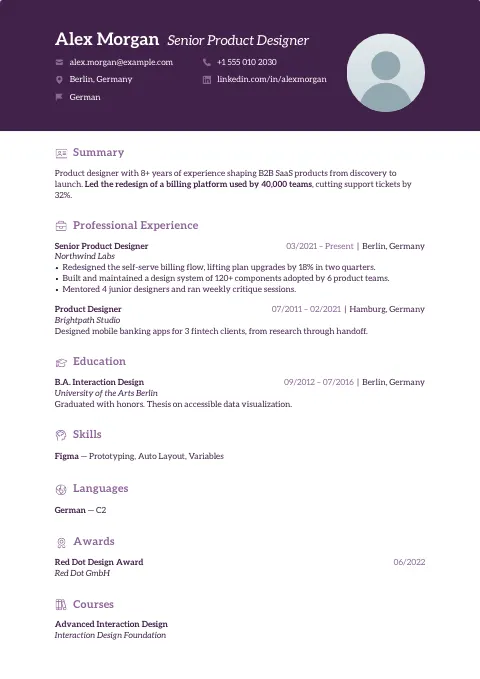
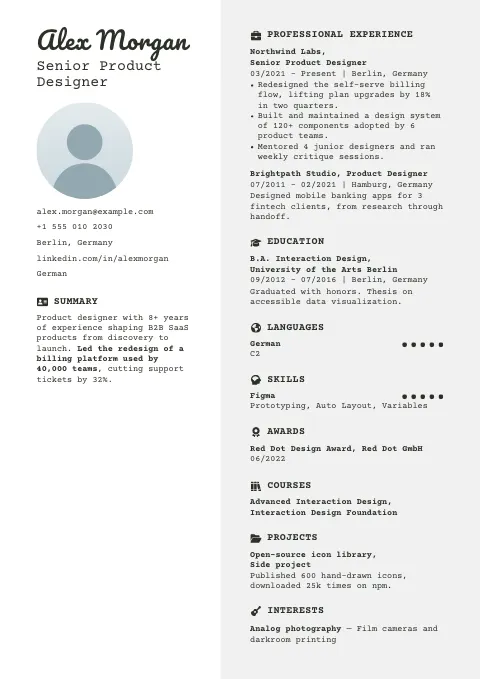
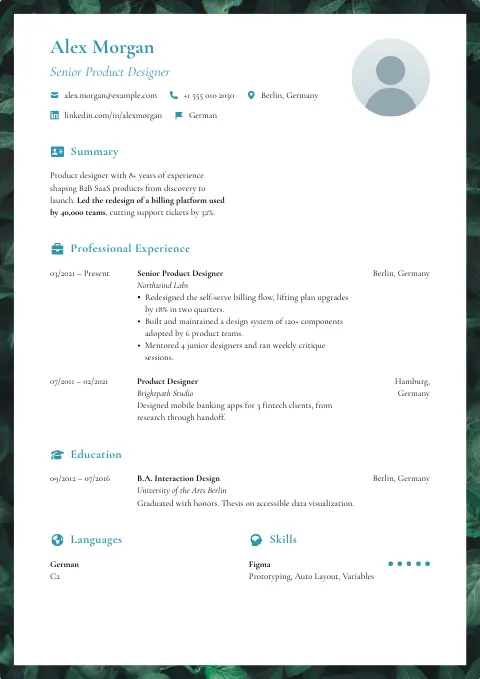
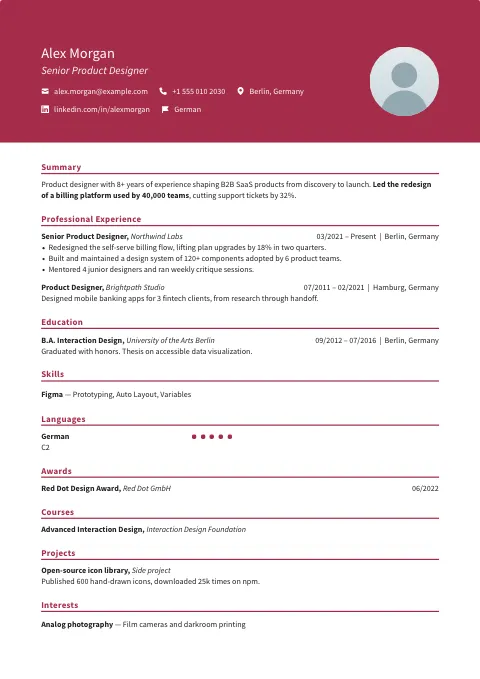
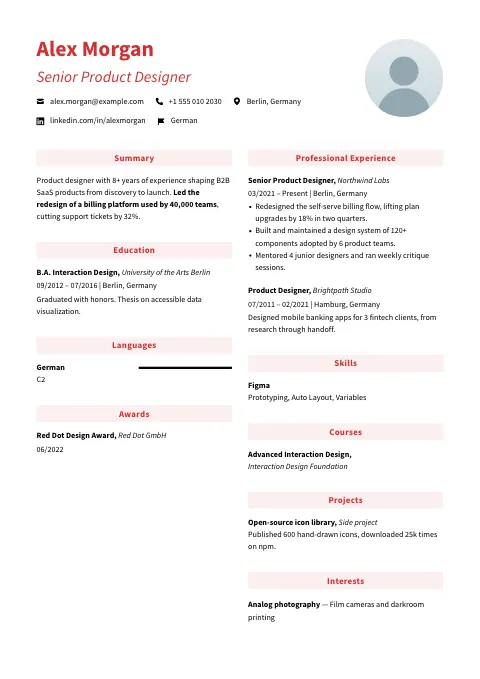
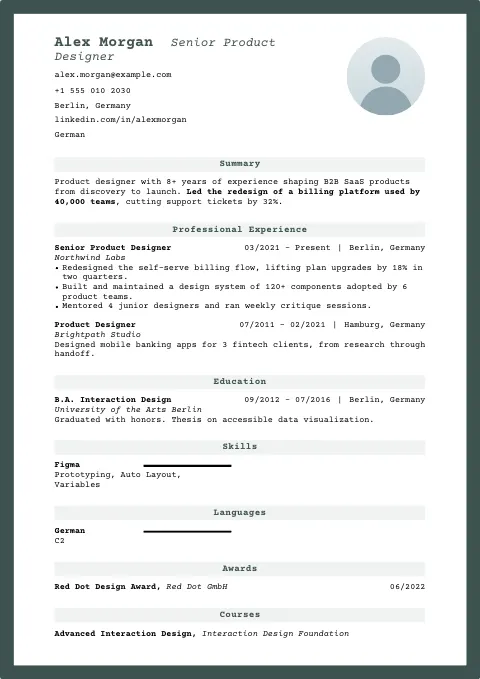
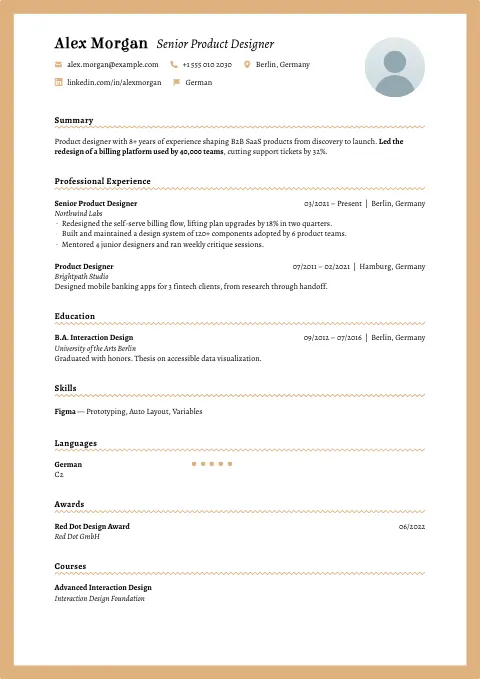
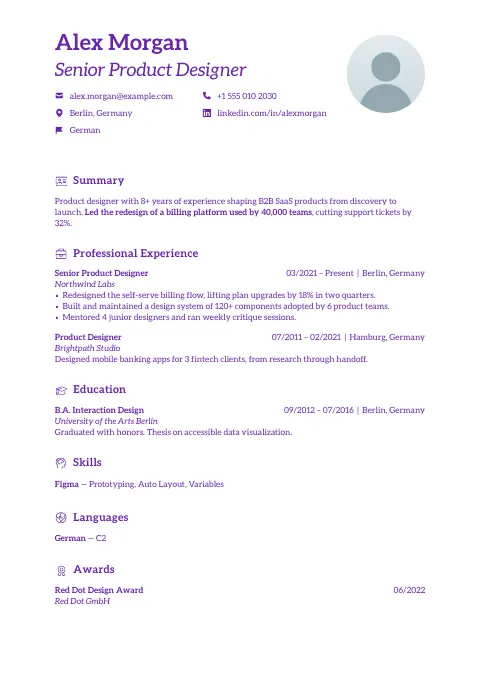
How the photo templates read in our parser test
In our test of all 105 OneCV templates on 17 October 2026, one fictional resume went through four text extractors, which do the first step of most resume parsers.
Of these 42 templates, 21 are one column, 10 put the contact details in a sidebar and 11 split the sections into two columns under a full-width header. Every job stayed in one piece in all four extractors for 37 of them, and 6 came out clean in all four, with every section, heading, list and date in its place: Atlantic Blue, Happy, Olive Ash, Space, Grey Goose and Sea Pearl.
A photo is an image, so it adds nothing to the text an extractor reads. The five photo templates that broke up a job all split the page into two columns under a full-width header: Atlantic Crest, Confident Grid, Mercury Panel, Evergreen Slate and Accentuated Red. For an online application, pick one of the clean designs or a one-column one, and check the PDF before you send it.
Should your resume have a photo?
It depends on where you’re applying. US career offices advise leaving it off. NC State’s textiles college tells students not to include a photo, along with their date of birth and marital status, and USAJOBS says not to include photos of yourself on a federal resume.
In other countries a photo is common, and some employers expect one. Our CV format guides by country cover what employers and career offices say in the countries we’ve checked.
If you add one, use a recent headshot with a plain background. In Customize you can make it round, square or portrait, change its size and turn it black and white.
Before you send a resume with a photo
- Check the country’s norms and the job posting. In the US, leave the photo off.
- Check the PDF’s size before you upload it. Google, Meta and Apple cap resume uploads at 2 MB, as our FAANG resume guide shows.
- Put your PDF through the ATS resume checker to see the text a parser gets from it, in the order it comes out.
Questions about these templates
It depends on the country. In the US, career offices and USAJOBS advise leaving it off. Where a photo is expected, a recent headshot with a plain background is the norm. When the posting doesn’t say, follow local practice.
Yes. If you don’t add a photo, nothing shows in its place, so any design on this page works without one.
Open Personal details in the editor and click Photo to upload one, then crop it. In Customize you can change its shape and size, or turn it black and white.
Yes. In most countries outside the US and Canada a CV is the same document as a resume, so every design here works as a CV. Our guide to resume vs CV shows which word each country uses.
Yes. All 105 OneCV templates are on the Free plan, which includes one resume, one cover letter and unlimited PDF downloads with no watermark. Pro adds more documents and AI writing help.
Yes. In Customize you can make it round, square or portrait, with sharp or rounded corners, choose one of five sizes and turn it black and white.
A parser reads the text, and the photo is an image, so it doesn’t add anything to what the parser gets. The text in OneCV PDFs is selectable. Check yours to see it.