OneCV.Resume templates
Simple resume templates
32 clean designs with plain headings, calm colors and room to breathe. They suit most jobs and most readers, from a recruiter skimming on a phone to the software that reads your PDF first.
No card needed. Every template is on the Free plan, with unlimited PDF downloads and no watermark.
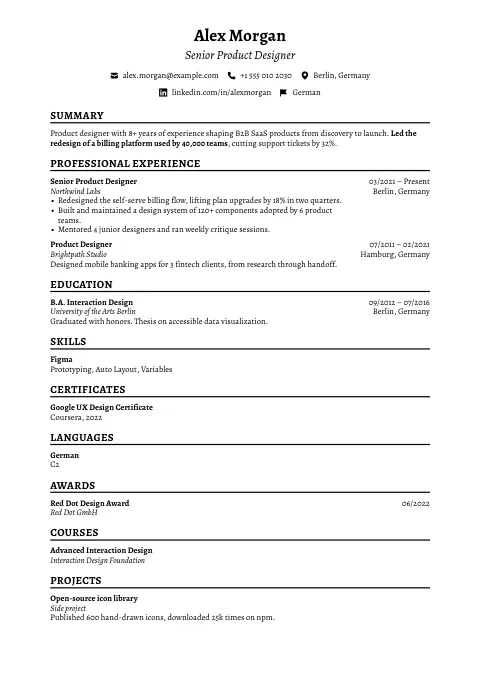
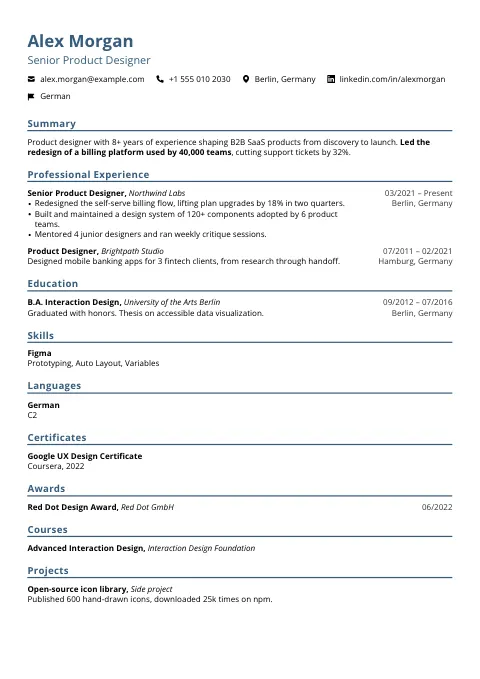
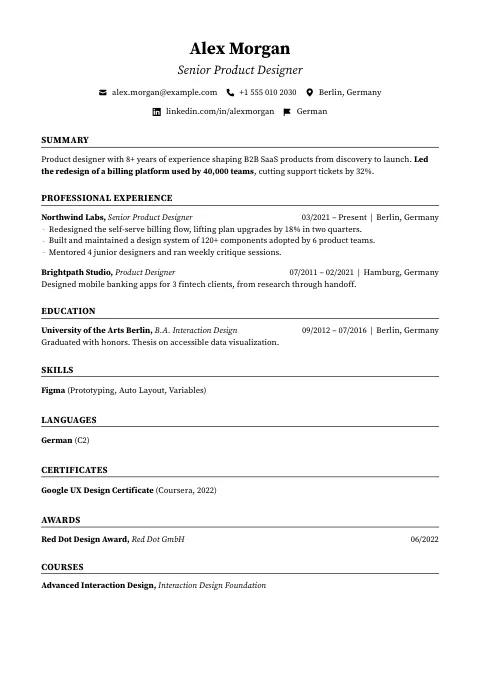
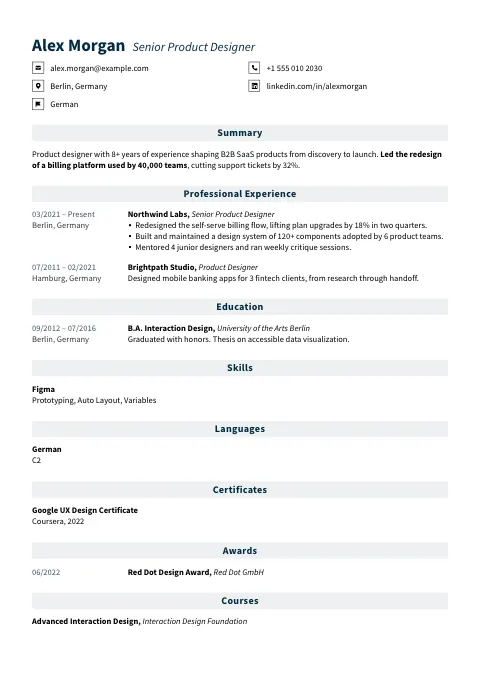
True Blue
Editorial Rule
Steady Form
Precision Line
Refined
Silver Banner
Classic Serif
Classic Portrait
Condensed Rule
Corporate
Classic Pure
Neutral Gray
Executive
Split Rule
Mono Underline
Even Line
Classic Slate
Pure Baseline
Classic Sans
Compact Serif
Fine Line
Clean Slate
Open Form
Clear Banner
Sage Line
Compact Sans
Quiet Focus
Classic Ledger
Quiet Blue
Simple Blush
Corporate Panel
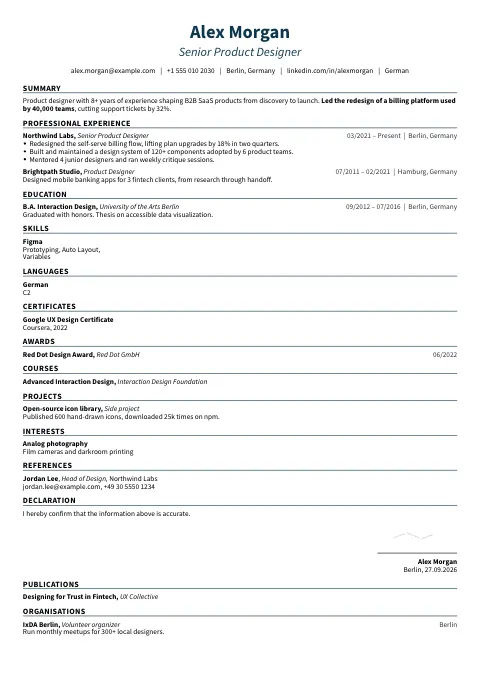
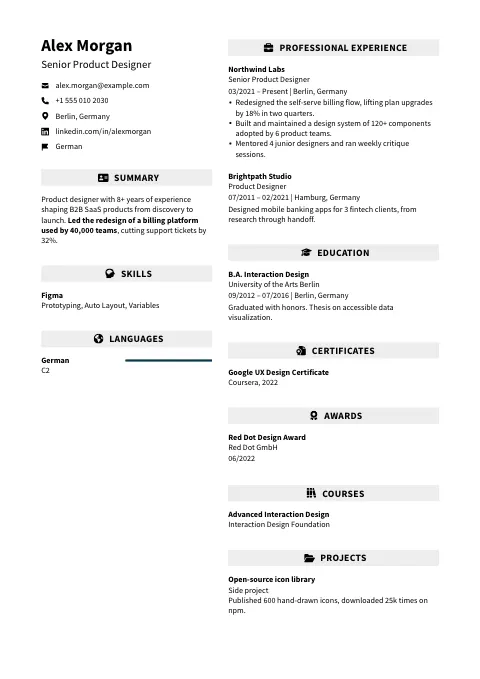
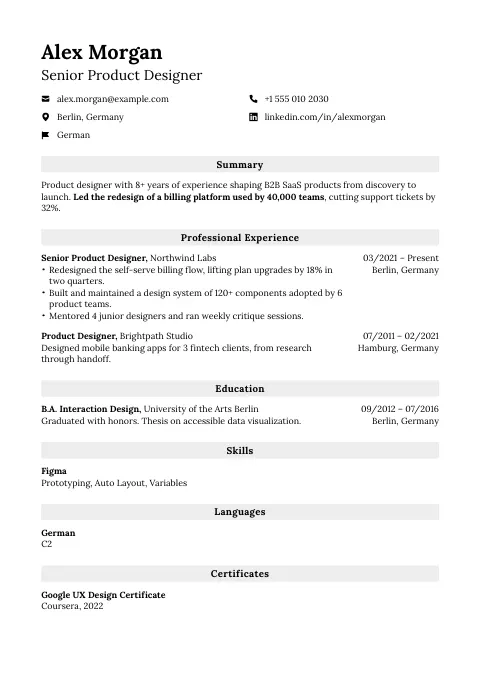
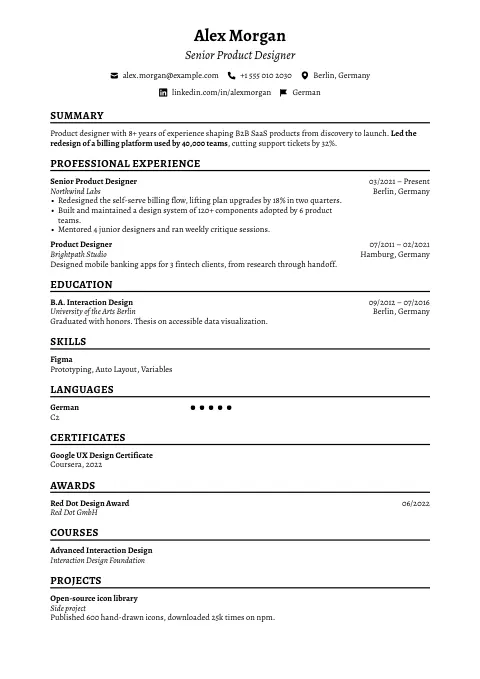
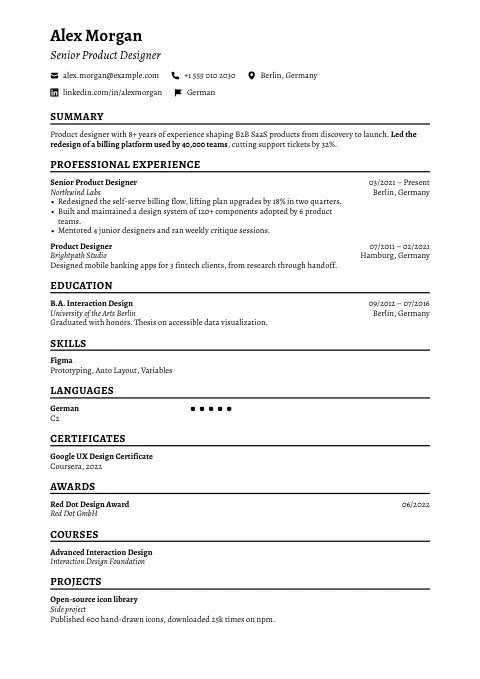
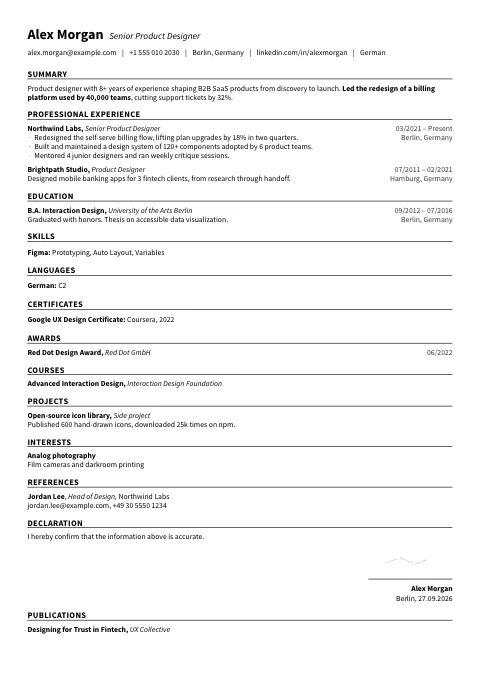
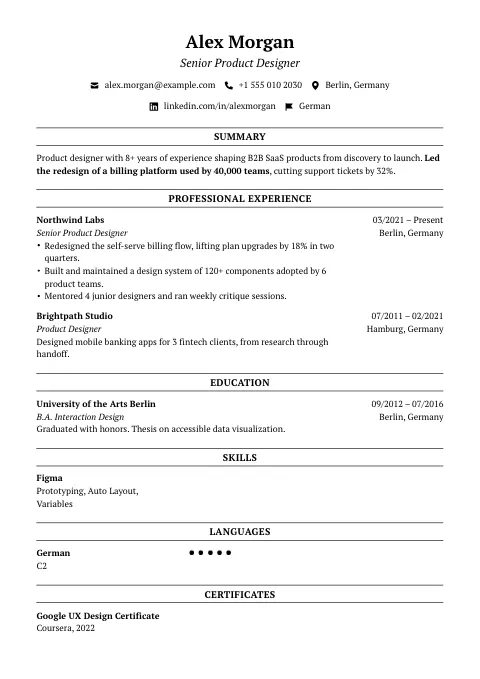
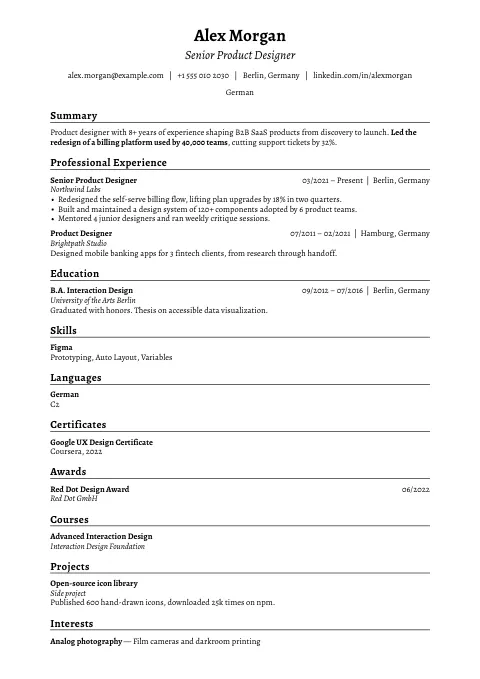
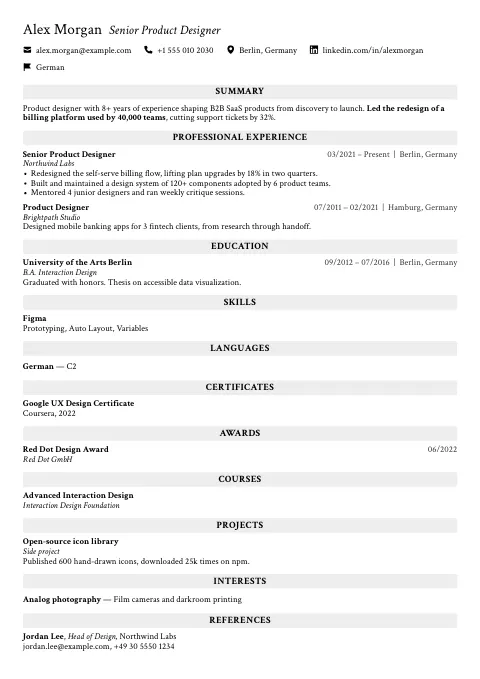
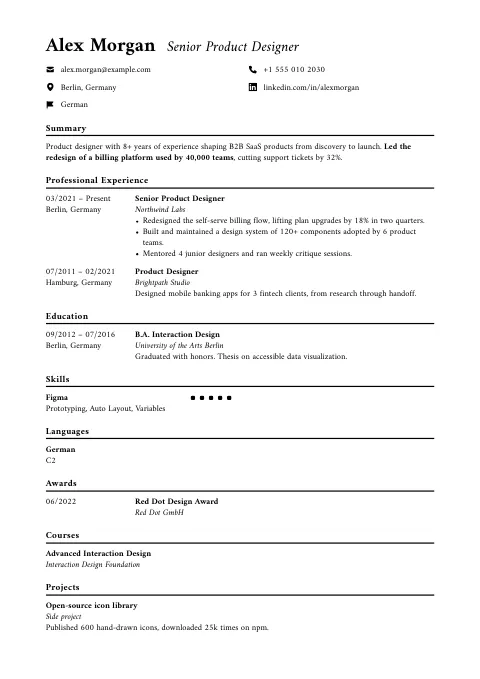
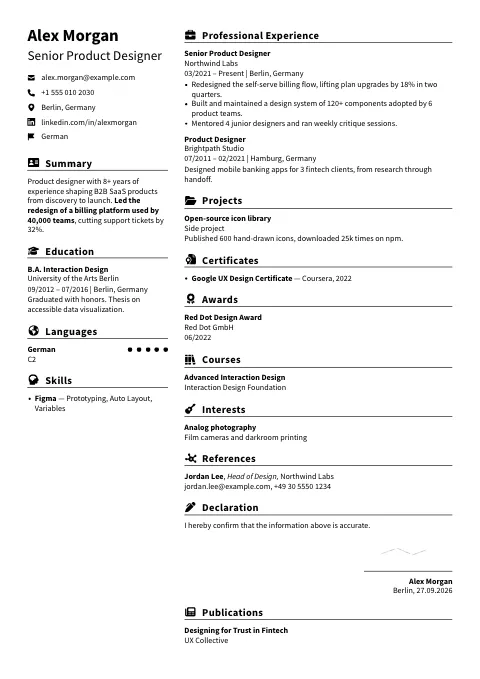
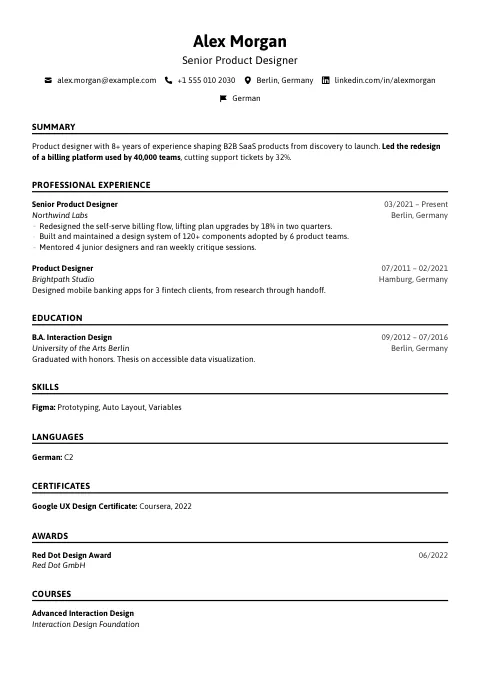
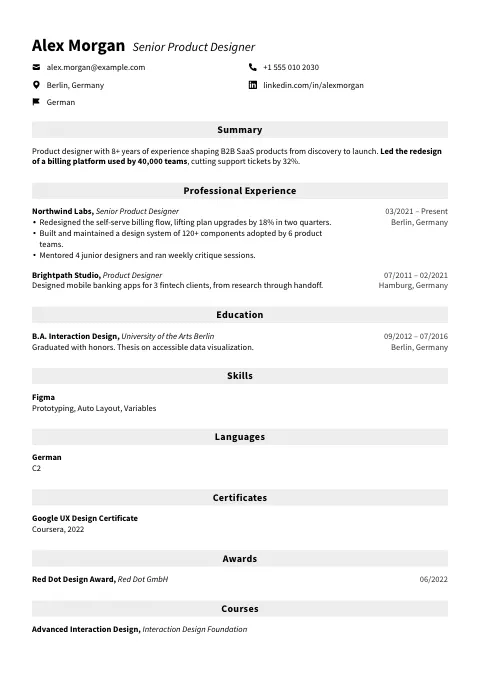
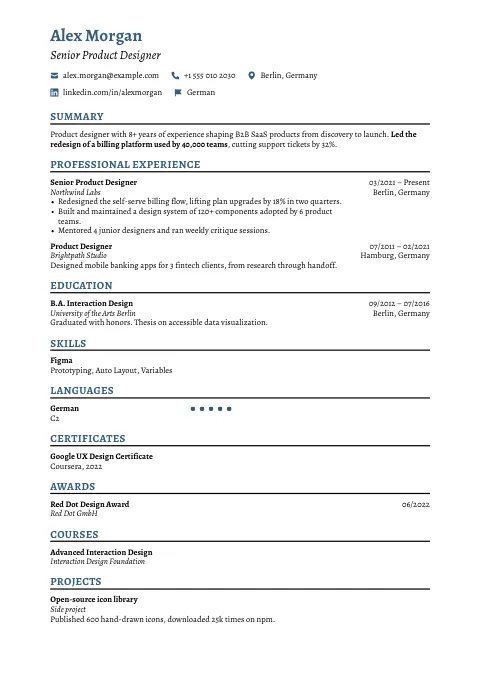
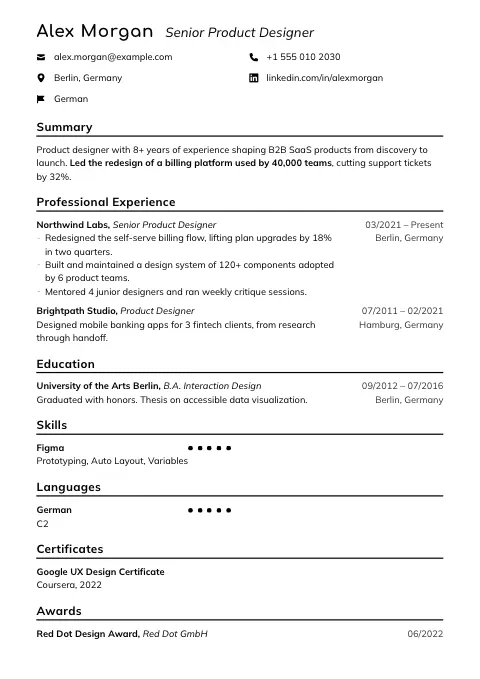
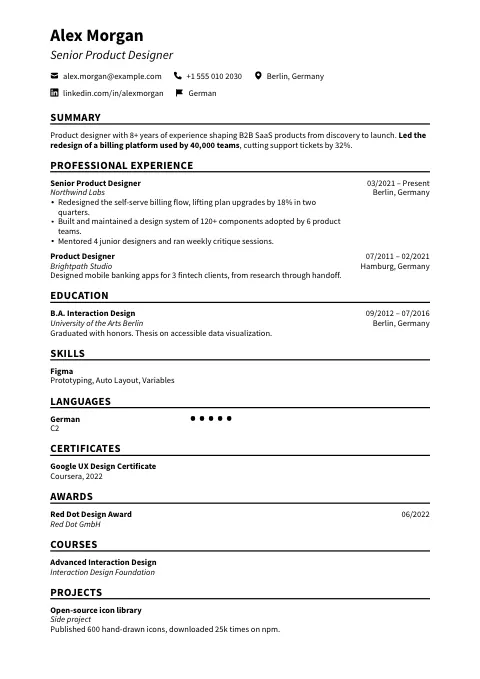
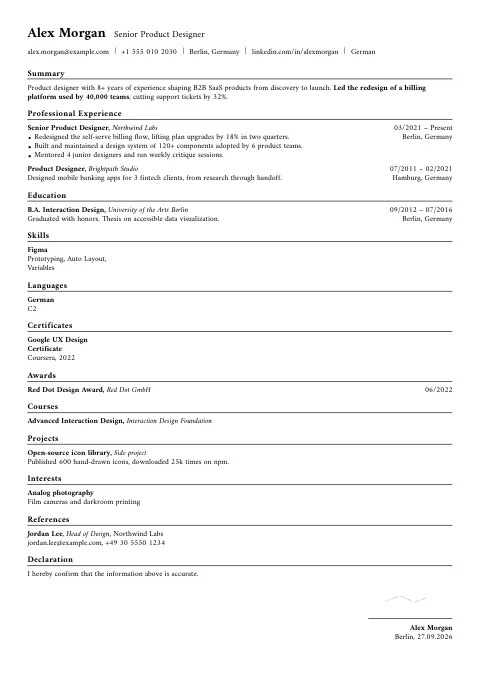
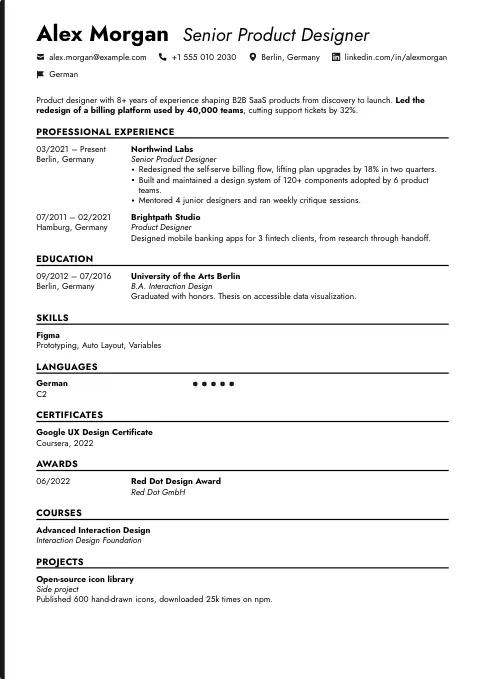
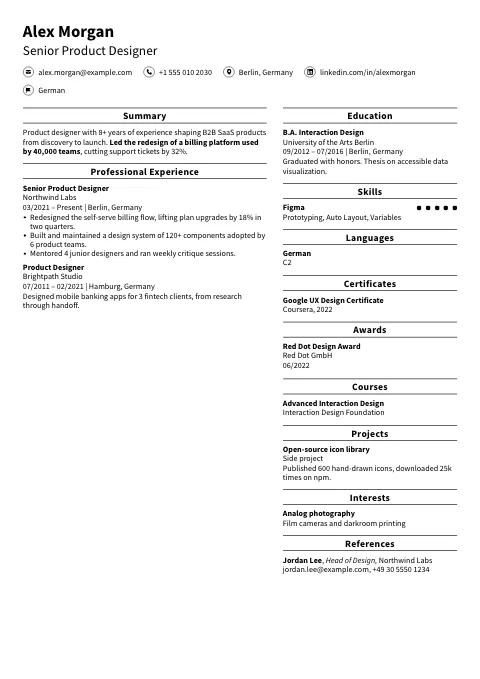
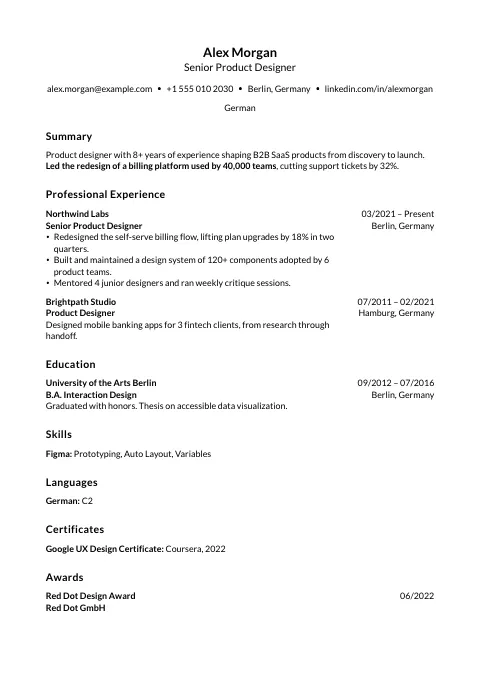
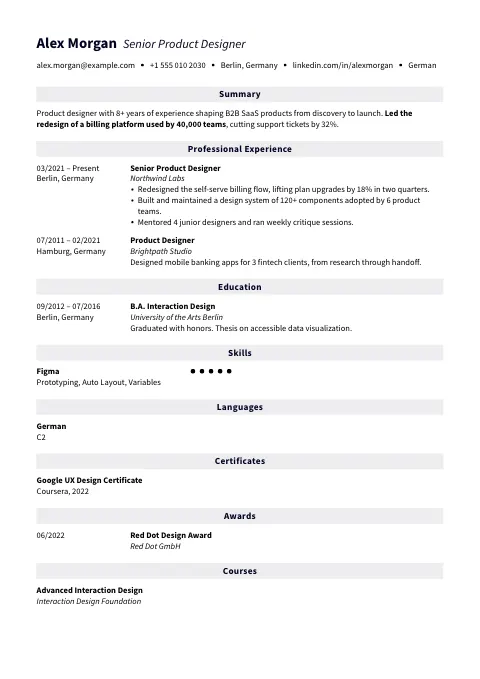
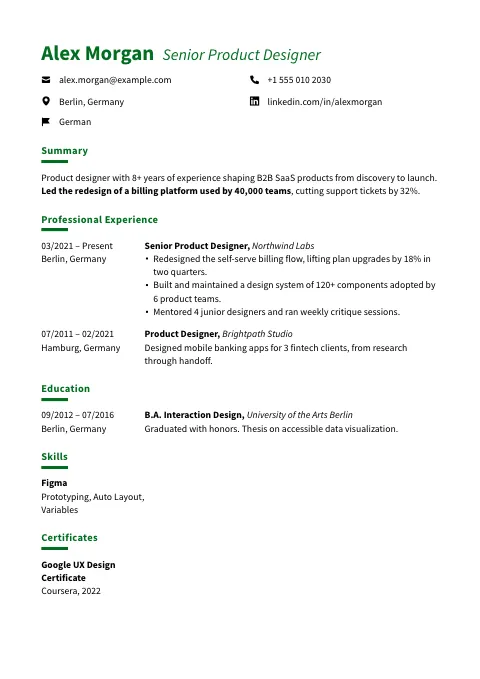
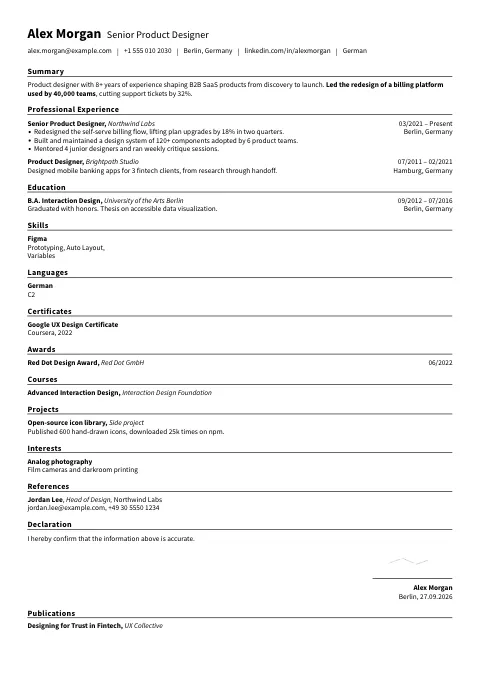
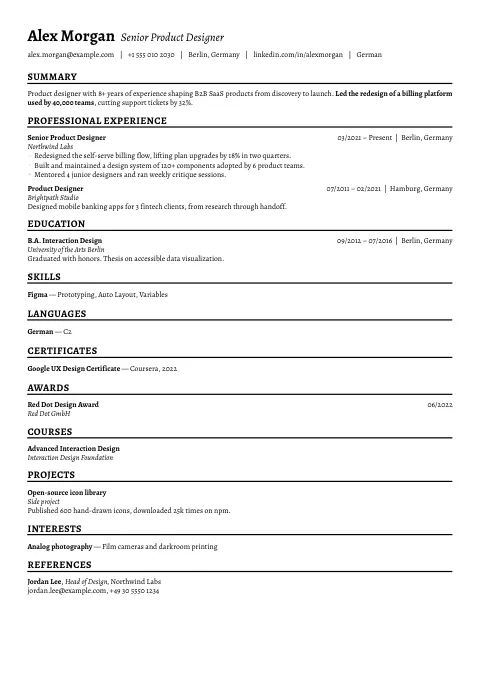
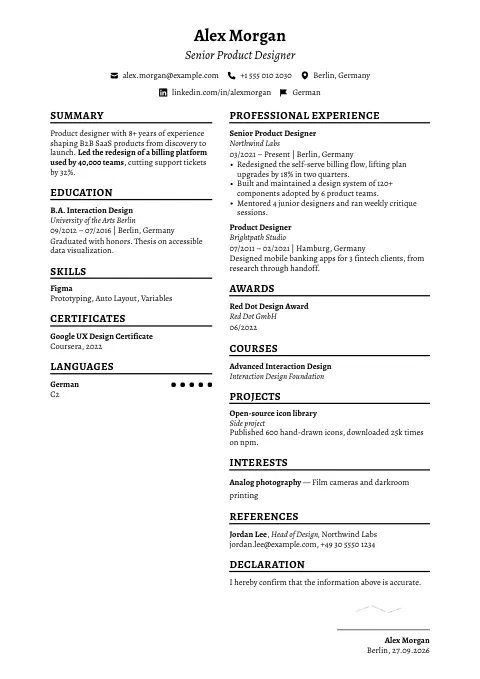
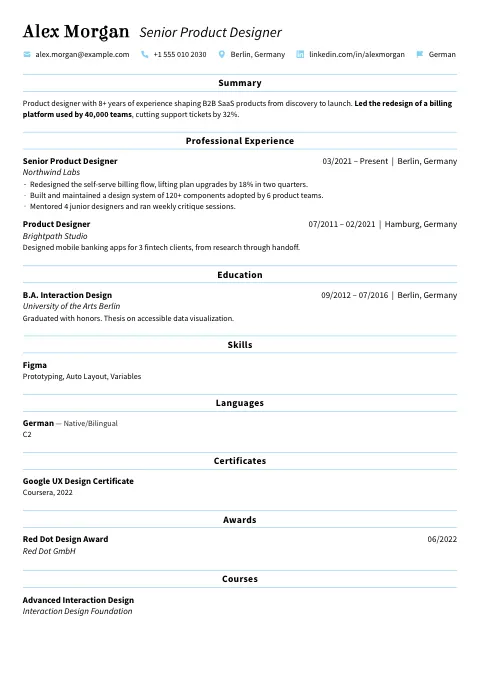
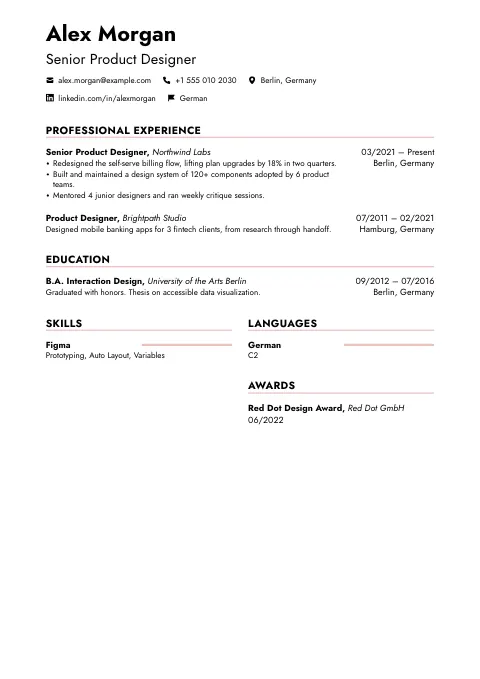
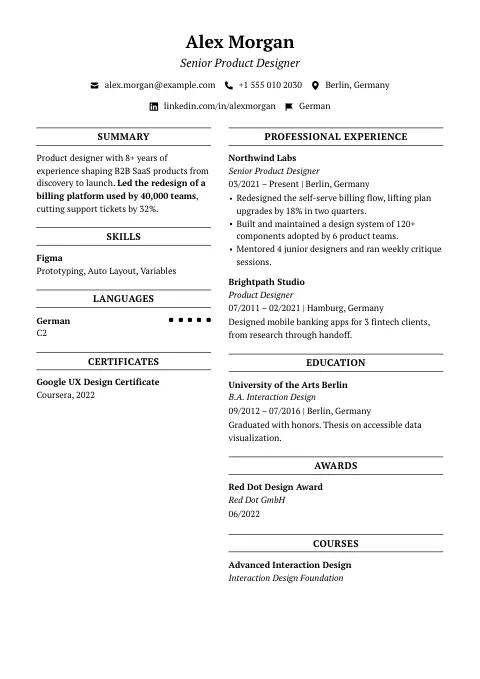
How the simple templates read in our parser test
In our test of all 105 OneCV templates on 17 October 2026, one fictional resume went through four text extractors, which do the first step of most resume parsers.
Of these 32 templates, 26 are one column, 2 put the contact details in a sidebar and 4 split the sections into two columns under a full-width header. Every job stayed in one piece in all four extractors for 30 of them, and 2 came out clean in all four, with every section, heading, list and date in its place: Editorial Rule and Split Rule.
Most simple templates are one column, and the slips were small. pdfminer moved dates away from their jobs in 20 of the 32, because the dates sit on the right of each job title. The two that broke up a job, Clean Slate and Corporate Panel, are two-column designs. Setting Date & Location Position to Below Title in Customize, with skills shown as rows, made Classic Clear read cleanly in all four in our test.
When a simple template is the right choice
A simple design is the safe default when you’re not sure. Recruiters skim, and in Ladders’ eye-tracking study cluttered layouts, multiple columns and long sentences hurt how resumes performed.
Pick one for applications through large employers’ online forms, and for conservative fields such as law, finance and government.
You can still change the font, the accent color and the spacing in Customize, and each change applies to the whole resume at once.
Keep a simple resume easy to read
- Use standard section headings such as Experience, Education and Skills, so a parser can sort your content.
- Keep body text at 10 point or larger. Our test of 35 resume fonts shows how much each one fits on a line.
- Put your PDF through the ATS resume checker to see the text a parser gets from it, in the order it comes out.
Questions about these templates
Plain layouts are easier for parsers, mostly because standard headings and selectable text come through cleanly. No template guarantees a pass, so check your PDF with the ATS resume checker. We also traced the claim that ATS software rejects 75% of resumes.
A plain font at 10 to 12 points. Our test of 35 resume fonts compares what career offices recommend and how long each font runs.
Yes. All 105 OneCV templates are on the Free plan, which includes one resume, one cover letter and unlimited PDF downloads with no watermark. Pro adds more documents and AI writing help.
Yes. Your content stays exactly as you wrote it when you switch, so you can try several designs on the same resume.